
Short version
An internal ChatGPT is not a chat box with the company logo on top. The useful version is closer to an operating layer over company knowledge: it knows which sources are trusted, which employee may see which material, when to search, when to refuse, and when to hand the work back to a person.
The first mistake is connecting “all documents” and hoping the model will sort it out. It will not. A corporate assistant needs source ownership, freshness, metadata, access rules, and a retrieval system that can find both meaning and exact terms. That means RAG, but also full-text search, filters, reranking, citations, and answer boundaries.
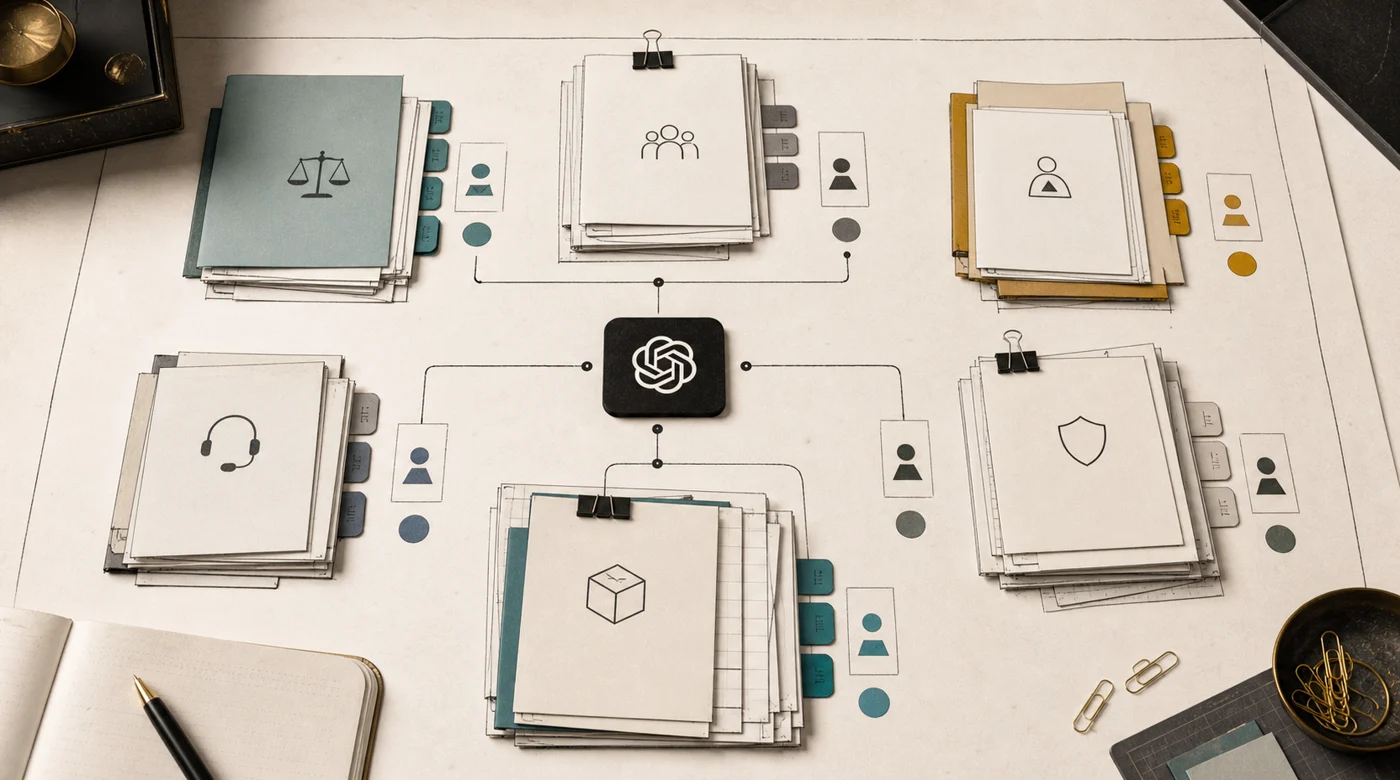
Security is not a checkbox at the end. Microsoft’s Copilot Search privacy documentation says enterprise search should respect existing permissions, and OpenAI’s business data privacy materials separate customer business data from default model training. Those are useful vendor promises, but they do not replace your own design: the app still needs identity, authorization, audit logs, retention rules, and review of what goes into prompts.
The right question is not “Can we build our own ChatGPT?” The useful question is: which work should employees trust it with? Searching policies is one level. Drafting an answer is another. Creating a ticket, changing CRM, or sending a message needs confirmations, logs, and evals.
Internal ChatGPT vs a ChatGPT subscription
A ChatGPT, Claude, or Copilot business subscription is a good first step: employees get a strong model, and the vendor handles security basics. An internal assistant is built for a specific process and its documents.
| Business subscription | Internal assistant | |
|---|---|---|
| Knowledge | what the employee uploads or what connectors reach | sources chosen, cleaned, and owned for one process |
| Access | vendor workspace roles | your roles, applied before the model sees any text |
| Answers | general model answers, sources when available | answers only from approved documents, with a link to the page |
| Actions | mostly text | tickets, CRM updates, and drafts under confirmation rules |
| Quality | trust in the vendor | a test set of real questions run after every change |
If people mostly need help writing and thinking, a subscription is enough. If they need answers the company stands behind, build the assistant.
Start with the job, not the chat
Most internal assistant projects begin too broadly: “employees should be able to ask anything”. That sounds generous, but it is hard to build and harder to govern. A better first slice is one painful workflow.
For example:
- HR policy questions from employees;
- sales enablement over decks, pricing rules, and CRM notes;
- support answers from product docs and resolved tickets;
- legal template search with clause explanations;
- onboarding for new managers;
- operations lookup across SOPs, spreadsheets, and internal systems.
Each workflow has a different risk profile. HR needs role boundaries and careful wording. Sales needs current pricing and rules around promises. Support needs source citations and escalation. Legal needs the assistant to distinguish “explain this clause” from “approve this contract”.
This is why an internal assistant belongs in the same conversation as AI implementation cost. The model call is not the hard part. The hard part is deciding what the system is allowed to know, say, and do.
Source ownership decides quality
Before retrieval, make a source inventory. Not a beautiful enterprise architecture diagram. A plain table is enough:
- source name;
- business owner;
- technical location;
- document type;
- freshness expectation;
- access group;
- sensitivity;
- update path;
- whether the source is authoritative or only contextual.
This prevents a familiar failure: the assistant answers from an old PDF because nobody told the system that the newer Google Doc replaced it. Or it cites a draft because drafts and approved policies live in the same folder. Or it mixes public sales copy with internal margin rules.

Good source governance is not glamorous. It is also what makes the assistant trusted. Every high-value answer should be traceable to a source that someone owns.
Making internal documents answerable
Most requests for an internal ChatGPT come down to one thing: employees ask questions about company documents and get an answer with a link to the right page. The model is rarely the bottleneck there. The documents are.
Company knowledge is usually a mix of PDFs, scanned contracts, Word files, spreadsheets, Confluence or Notion pages, Google Drive folders, and email attachments. Each format needs preparation before retrieval can use it:
- scans need OCR, and OCR quality has to be checked on real samples, not assumed;
- long policies should be split along their own structure (sections, clauses, numbered points) rather than by a fixed character count, so the answer can cite "section 4.2" instead of a random fragment;
- tables need to stay tables: a price list flattened into text loses which number belongs to which row;
- every chunk keeps its metadata: source, version, owner, date, access group;
- old versions are removed or marked as superseded, otherwise the assistant will quote them.
A good pilot test is boring. Take 30-50 real questions employees already ask in chats or by email and check whether the assistant finds the right page for each. If retrieval misses, fix document preparation before touching the prompt. The same approach sits behind the AI document assistant service and the document checking agent pattern.
In the Magnum staff knowledge base, the answer usually lives in one paragraph of one PDF out of hundreds. Search there is hybrid: vector search (BGE-M3 embeddings in Qdrant) plus full-text, with reranking. OCR pulls tables and diagrams out of PDFs where they are embedded as images. The team uploads and replaces documents in an admin panel without engineers, and the system re-indexes them itself. Every change is checked on a benchmark of 100 real employee questions in Russian and Kazakh.
Access roles must work before the model sees context
Access control in an internal ChatGPT has a simple rule: do not retrieve what the user is not allowed to see.
Do not rely on the model to “keep secrets” after confidential text is already in the prompt. If payroll data, legal advice, board material, or customer PII enters the context window for the wrong employee, the system has already failed, even if the final answer looks harmless.

A practical role model usually includes:
- employee identity from SSO;
- department and team membership;
- document-level permissions from the source system;
- extra sensitivity labels for legal, HR, finance, and leadership material;
- temporary access for projects;
- a denial path that says what is missing without leaking the hidden content.
The Microsoft 365 Copilot Search privacy page describes the same principle for enterprise search: it should return information the user already has access to. If you build a custom assistant, you inherit that responsibility yourself.
RAG is necessary, but not sufficient
RAG lets the assistant answer from company material instead of model memory. That matters because model memory will not know your latest policy, contract template, delivery rule, or support exception.
But RAG is not one component. Production RAG is a chain:
- ingest sources;
- normalize text, tables, and metadata;
- preserve versions and dates;
- chunk documents around real questions;
- retrieve candidates;
- rerank them;
- assemble context;
- answer with citations;
- refuse when evidence is missing.

The deeper mechanics are covered in How RAG works and why vector embeddings are not enough. For an internal assistant, the key point is blunt: a vector database alone is not a knowledge system.
Search has to handle exact words and messy language
Employees do not ask clean benchmark questions. They paste fragments, use abbreviations, mix languages, ask “where is that form we used last quarter?”, or search by contract number.
Vector search helps with meaning. Full-text search helps with exact terms. Metadata filters help with department, date, document type, product, customer, region, or role. Reranking helps choose the best evidence after several retrieval paths return candidates.
Use hybrid search when the source base contains:
- invoice numbers, SKU, VIN, contract IDs, ticket IDs;
- names of products, campaigns, branches, and clients;
- tables and policy exceptions;
- bilingual or multilingual material;
- old and new versions of similar documents;
- internal abbreviations.

Research around RAG evaluation, including the Ragas paper, is useful here because it separates retrieval quality from final answer quality. If the source is wrong, changing the tone of the answer will not fix the system.
Answers need sources, refusals, and uncertainty
The assistant should not sound more certain than the evidence allows.
For internal use, a good answer format usually includes:
- direct answer first;
- cited sources with title, date, and owner where possible;
- a short note about assumptions;
- a refusal when sources do not support an answer;
- a handoff suggestion for risky or ambiguous cases.
This is not just politeness. It changes user behavior. When employees see the source, they learn whether the assistant is reading the right material. When the assistant refuses cleanly, people stop treating every confident paragraph as policy.
The refusal should be useful: “I could not find an approved travel policy for contractors. I found an employee travel policy from March 2026, but it does not mention contractors. Ask Finance or add the contractor rule to the source base.” That is better than a vague “I cannot answer”.
Logs turn chat into an improving system
Without logs, the assistant becomes another unmanaged knowledge base. It may feel useful for a month, then drift.
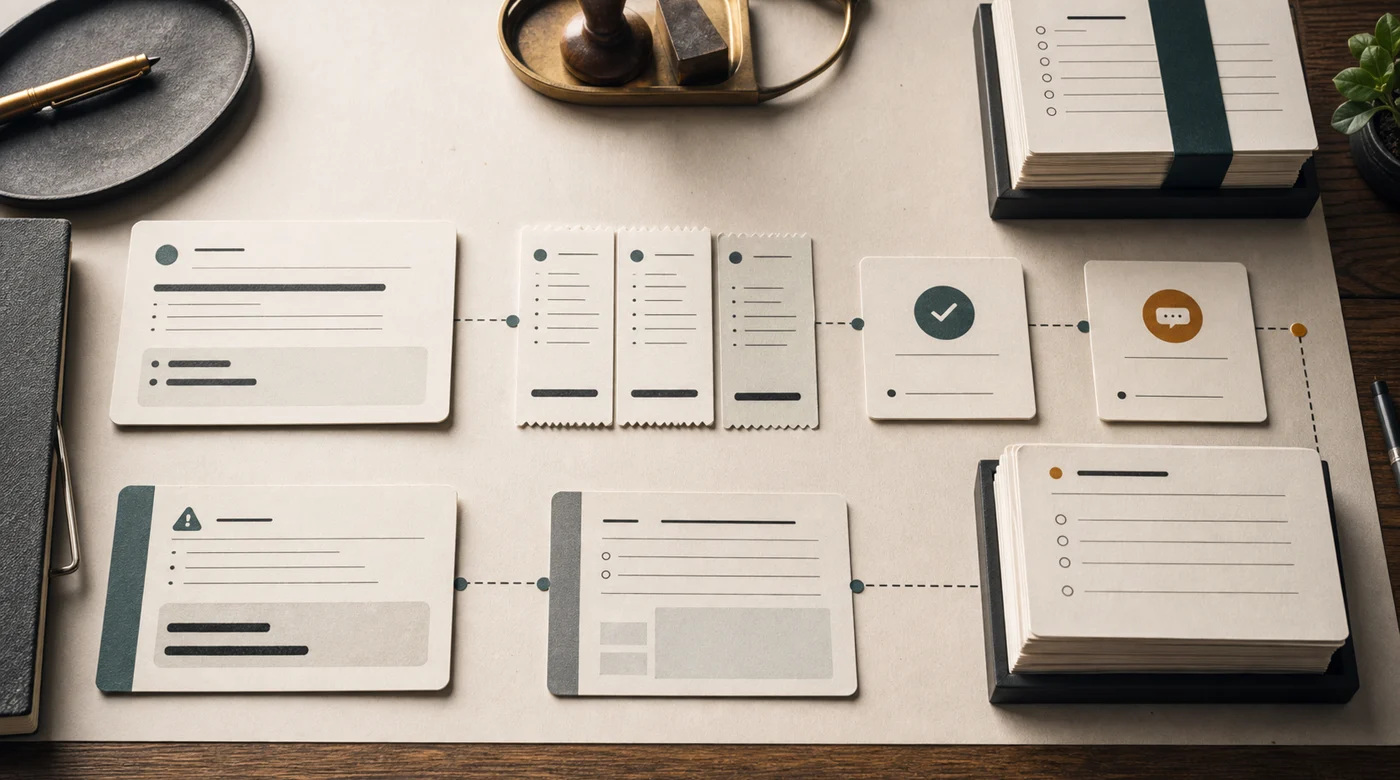
Useful logs capture:
- user role, not necessarily every personal detail;
- query and language;
- retrieved source IDs and versions;
- final answer;
- refusal reason;
- tools called;
- latency and model used;
- feedback and disputes;
- whether the case was escalated.
Be careful: logs can become sensitive data. They may contain employee questions, customer names, medical details, legal concerns, or credentials pasted by mistake. Logging strategy needs retention, masking, access roles, and a deletion path.
OWASP’s Top 10 for LLM Applications 2025 highlights prompt injection and sensitive information disclosure as major risks. For internal assistants, logs are part of that risk surface, not just an observability feature.
Security and governance are product features
The security model should be visible in the product plan. The NIST AI Risk Management Framework is useful because it frames AI risk as something to govern, map, measure, and manage, not something to inspect once before launch. NIST’s Generative AI Profile adds more specific concerns for generative systems.
For an internal ChatGPT, governance means:
- documented source owners;
- approved use cases;
- data classification;
- access review;
- prompt and model change history;
- incident process;
- retention policy;
- vendor and deployment review;
- release gates for risky changes.
This does not mean every company needs a giant AI committee. It means someone should be able to answer a boring question: who is allowed to change the assistant, and how do we know the change did not break payroll, legal, sales, or support answers?
If the assistant touches customers, regulated records, or employment decisions, governance becomes more serious. The EU AI Act is also pushing companies toward clearer documentation and risk classification, especially for higher-risk use cases. Even outside the EU, the direction is obvious: undocumented AI in business processes will age badly.
Evals decide whether the assistant is improving
An internal assistant needs evals before broad rollout.
Start small. Take 30-50 real questions and expected source material. Include ugly cases: old policy names, missing documents, role-restricted questions, bilingual phrasing, exact IDs, and questions the assistant must refuse.

For RAG, test:
- did retrieval find the right source;
- did it avoid sources the user cannot see;
- did the answer stay inside the evidence;
- did citations support the claims;
- did the assistant refuse when evidence was missing.
For actions, test:
- did it choose the right tool;
- did it pass safe arguments;
- did it ask for confirmation;
- did it leave a clear audit trail;
- did it stop when required data was missing.
This is where AI project evals become practical. They are not academic decoration. They let the team change prompts, models, retrieval, and tools without guessing.
Boundaries of action should be explicit
An internal assistant can move through levels of authority:
- answer from approved sources;
- summarize a document;
- draft a message or ticket;
- prepare an update in CRM or HRIS;
- create a task after confirmation;
- act automatically in low-risk cases.

Each step needs a different safety case. Drafting a message is usually low risk if a person reviews it. Updating CRM is higher risk because bad data spreads. Sending a customer email or approving an expense is higher again.
The clean design is progressive. Launch answer-only. Add draft actions when logs and evals look stable. Add confirmed actions for narrow workflows. Automate only the cases where the cost of a mistake is low and recovery is easy.
For the broader distinction between chat, workflow, and agent behavior, see AI agent vs chatbot vs workflow.
Operations after launch
The first launch is not the finish line. It is the first time the system meets real wording, real missing documents, and real impatience.
Operations should include:
- weekly review of failed and disputed answers;
- source freshness checks;
- access drift review;
- prompt and retrieval change log;
- cost and latency monitoring;
- model routing for easy versus hard requests;
- incident handling;
- a process for adding new departments or sources.
The assistant should also have visible feedback paths. A simple “wrong source”, “outdated answer”, “access issue”, and “useful” feedback model is often enough to start. The important part is that someone reads it and the source owners can act on it.
A good internal ChatGPT is not the model pretending to be a colleague. It is a governed retrieval and action system with a chat interface.
Build it from sources, roles, search, logs, evals, and operating rules. Let the assistant show evidence. Let it refuse. Let it ask for confirmation. Let it improve from real usage.
That version is less magical than “ChatGPT for the whole company”. It is also the version employees can safely use every day.
FAQ
What is an internal ChatGPT?
An internal ChatGPT is a company assistant that answers employees from approved internal sources: policies, instructions, contracts, product docs, and CRM notes. Unlike a public chatbot, it respects access roles, cites the document behind each answer, refuses when the sources are silent, and logs every question for review.
Can it answer from PDFs, scans, and spreadsheets?
Yes, if the documents are prepared first. Scans need OCR checked on real samples, long policies are split along their own sections, and tables stay tables instead of flattened text. Most wrong answers in document assistants come from poor document preparation, not from the model.
Will our documents be used to train the model?
Not by default under the business and API terms of major vendors such as OpenAI and Anthropic. Still, the vendor promise is not the whole design: decide which data may reach a cloud model, mask sensitive fields, set retention, and write storage and access terms into the contract.
How long does a first version take?
A pilot over one set of documents for one team usually takes three to five weeks: a source inventory, document preparation, retrieval with access roles, a test set of real questions, and a review with the users. Expanding to other departments then goes source by source.
How do we know it answers correctly?
Build a test set of 100-200 real employee questions with reference answers and source documents. Check retrieval and the final answer separately, and rerun the set after every change to the prompt, model, or documents. The method is covered in what AI evals are.