Short version
AI can be cheap. You can open a no-code builder, connect a model, assemble a simple bot, and pay about $20/mo. For an internal experiment, that may be enough.
You can also hire someone to assemble the same kind of workflow in a builder for around $100. That is fine when the job is simple: collect a request, answer a small FAQ, send a form to a spreadsheet, or route a hard question to a manager.
Serious development starts when the business needs predictable behavior. The agent has to work with CRM, documents, roles, logs, escalation rules, access boundaries, and real user mistakes. It should not “mostly answer”. It has to survive awkward questions.
That is where evals enter the budget. Evals show where the agent fails, whether a prompt or model change improved the system, and whether old scenarios broke. Without evals, teams usually edit the prompt by instinct, test five conversations by hand, and hope production behaves.
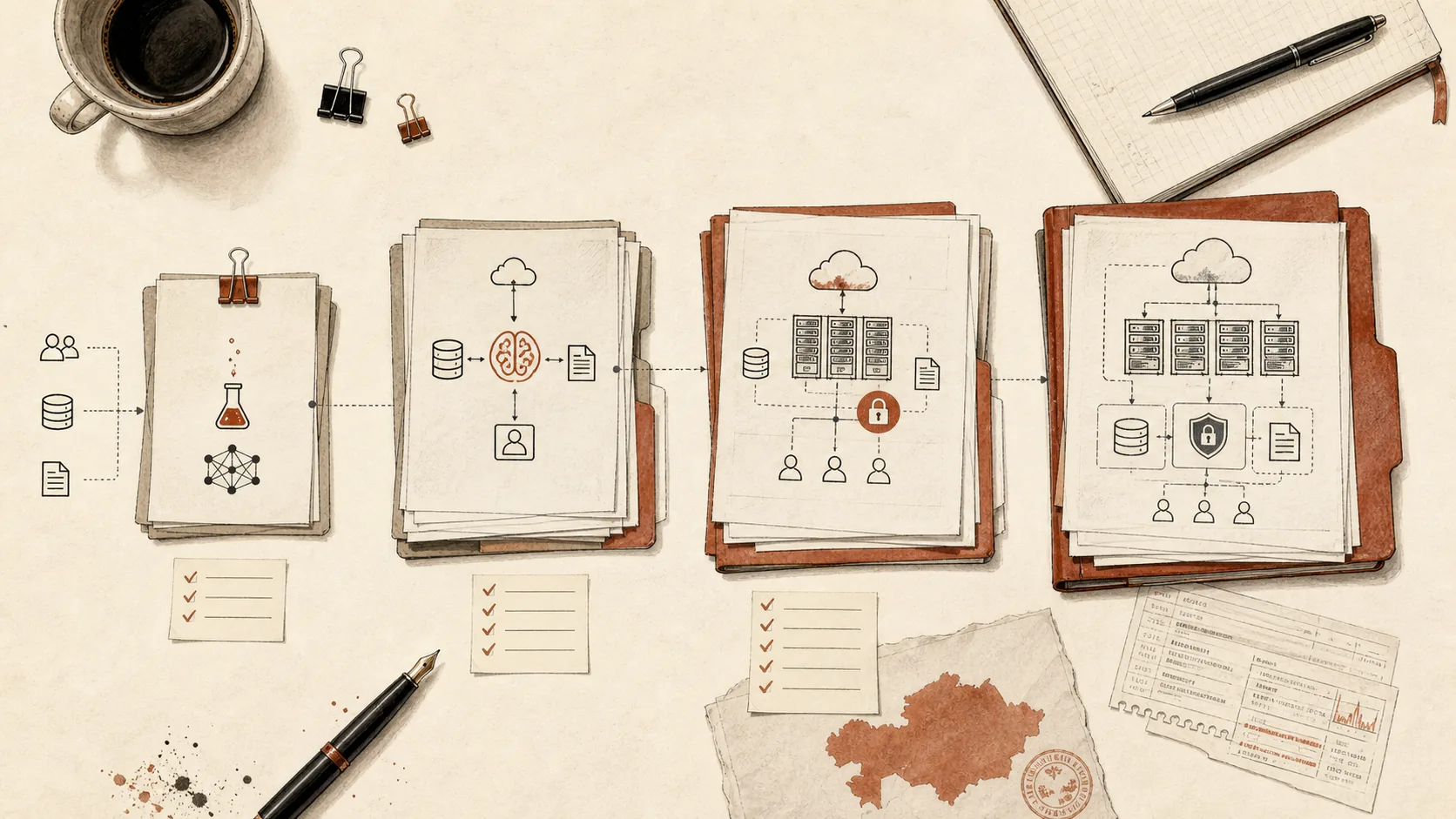
One AI feature inside a CRM or 1C starts at ₸700,000. A full launch with testing in two languages and integrations usually costs ₸4–6M. The budget covers more than the model: process audit, prototype on real data, integrations, interface, logging, test sets, launch, and early iteration after real usage starts.
Evals can also reduce operating cost. Once quality is measurable, you can compare expensive and cheaper models on the same scenarios. Sometimes the best model is needed only for hard cases, while common requests can run on a cheaper model. Without measurement, this becomes a taste argument.
If the company wants to run everything on its own hardware and avoid external cloud services, the number changes again. Private infrastructure, self-hosted models, GPUs, security, monitoring, and operations can push the work to from $100k. It is not the same system moved indoors. It is a separate infrastructure project.
The calm way to estimate cost is to pick one workflow, describe the cost of a wrong answer, collect 30-100 real examples, and define what “good” means. After that, model choice and architecture become much easier to price.
What the price actually buys
Most AI estimates sound confusing because people use the same phrase for very different things. “Implement AI” can mean a prompt inside a builder, a support assistant in Telegram, a RAG system over internal documents, a sales agent connected to CRM, or a private model deployment behind the company network.
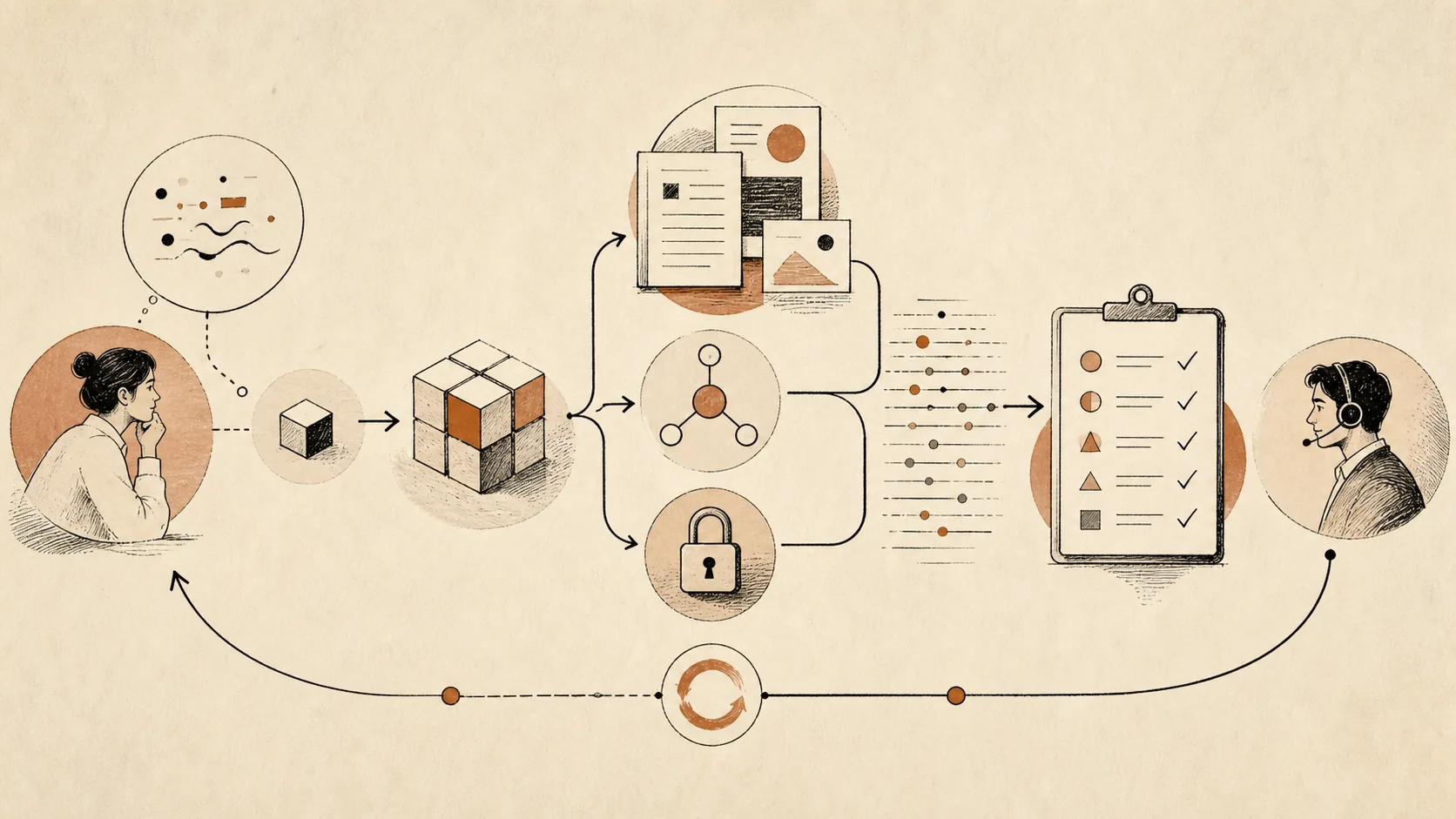
Those are not points on one neat price ladder. They have different risks.
A small FAQ assistant may only need a form, a prompt, and a human handoff. A corporate assistant needs source control, permissions, retrieval quality, logs, and a way to correct bad answers. A sales agent needs integration with the pipeline, lead states, manager rules, and a careful boundary around promises, discounts, and customer data.
So the useful question is not “How much does AI cost?” The useful question is: what decision, answer, or action will the system be allowed to make?
If AI only drafts text for a person, the budget can stay modest. If AI talks to customers, writes to CRM, makes recommendations, or becomes part of an operational workflow, the budget has to include engineering, review, recovery paths, and measurement.
Practical price bands
The first two cards describe builders. The rest are our prices, the same as on the AI implementation in Kazakhstan page. They are starting points; the exact figure comes after the audit.

DIY builder
$20/mo plus time
What it covers: no-code workflow, prompt, simple model call.
Good fit: internal experiment, personal productivity, tiny FAQ.
Main risk: nobody knows if the answers are reliable.
Builder setup help
around $100 to a few hundred dollars
What it covers: someone configures the builder, form, spreadsheet, or simple bot.
Good fit: one narrow process with low error cost.
Main risk: fragile logic, weak ownership, little testing.
AI in a CRM or 1C
from ₸700,000
Timeline: 1–2 weeks.
What it covers: one feature inside the system: request parsing, draft replies, document sorting.
Good fit: the data already lives in the CRM or 1C, and staff move and sort it by hand.
AI agent
from ₸1,000,000
Timeline: 2–4 weeks.
What it covers: a scenario, answers from your materials, handoff to a manager.
Good fit: customers write in messengers, and managers answer the same questions again and again.
Document search
from ₸1,500,000
Timeline: 3–5 weeks.
What it covers: an assistant over your policies and knowledge base, answers with a source link, role-based access, a test set.
Good fit: staff dig through policies, PDFs and chats for answers, or ask a manager because it is faster.
Internal tool
from ₸2,000,000
Timeline: 3–6 weeks.
What it covers: a staff workspace with AI features: summaries, document checks, reports.
Good fit: the process lives in spreadsheets and messengers, and the manager cannot see statuses.
Full launch
₸4–6M
What it covers: audit, testing in Russian and Kazakh, integrations, pilot and launch.
Good fit: business workflow used by employees or customers.
Main risk: scope grows when real edge cases appear.
Several tasks
₸10–15M
What it covers: two or three processes on a shared knowledge base.
Good fit: the first process already works, and the next ones build on the same knowledge base.
Main risk: the knowledge base goes stale when documents have no owner.
Private deployment
from $100k
What it covers: self-hosted models, GPU or private cloud, security, monitoring, operations.
Good fit: regulated data, strict residency, no external model calls.
Main risk: infrastructure becomes the project.
You can start with one feature or an agent. The value shows up once the system is connected to the workflow and measured against real cases. After launch, support costs ₸100,000–500,000 a month. Model and WhatsApp API usage is billed separately, at the providers’ rates.
For small teams, the better starting point is often the approach described in How to implement AI in a small business: choose one repeated process, collect real examples, and keep the first version narrow.
What pushes the price up
The model is rarely the largest part of the first implementation budget. The expensive parts are the pieces that make the system useful inside a company.

Integrations. CRM, ERP, WhatsApp, Telegram, email, BI tools, internal databases, document storage, and HR systems all have different APIs, permissions, and data quality. A standalone demo is fast. A system that reads and writes to real tools needs more care.
Data readiness. AI cannot magically fix scattered policies, old price lists, duplicated folders, and contradictory instructions. If the source material is messy, part of the budget becomes document cleanup, source mapping, and ownership.
Access control. An internal assistant should not show payroll, legal, or management material to everyone. Roles, permissions, and source visibility matter, especially for an internal ChatGPT for a company.
Retrieval quality. If the system answers from documents, vector search alone is often not enough. Hybrid search, reranking, metadata, freshness, and refusal rules affect quality. The deeper mechanics are covered in How RAG works beyond vector embeddings.
Evals. A production system needs a way to test behavior before and after changes. This includes real examples, expected behavior, failure categories, and automated checks where possible. See What are AI evals and why projects need them.
Human handoff. Good AI systems know when to stop. Escalation rules, manager review, approval steps, and exception handling take time, but they prevent the system from acting confident in cases where confidence is dangerous.
Operations after launch. Prompts change, documents change, users find new phrasing, integrations fail, and quality drifts. The first launch is not the finish line. A support runway is part of responsible AI delivery.
Cheap AI is useful when the cost of error is low
There is nothing wrong with a cheap builder. It is often the best way to learn.
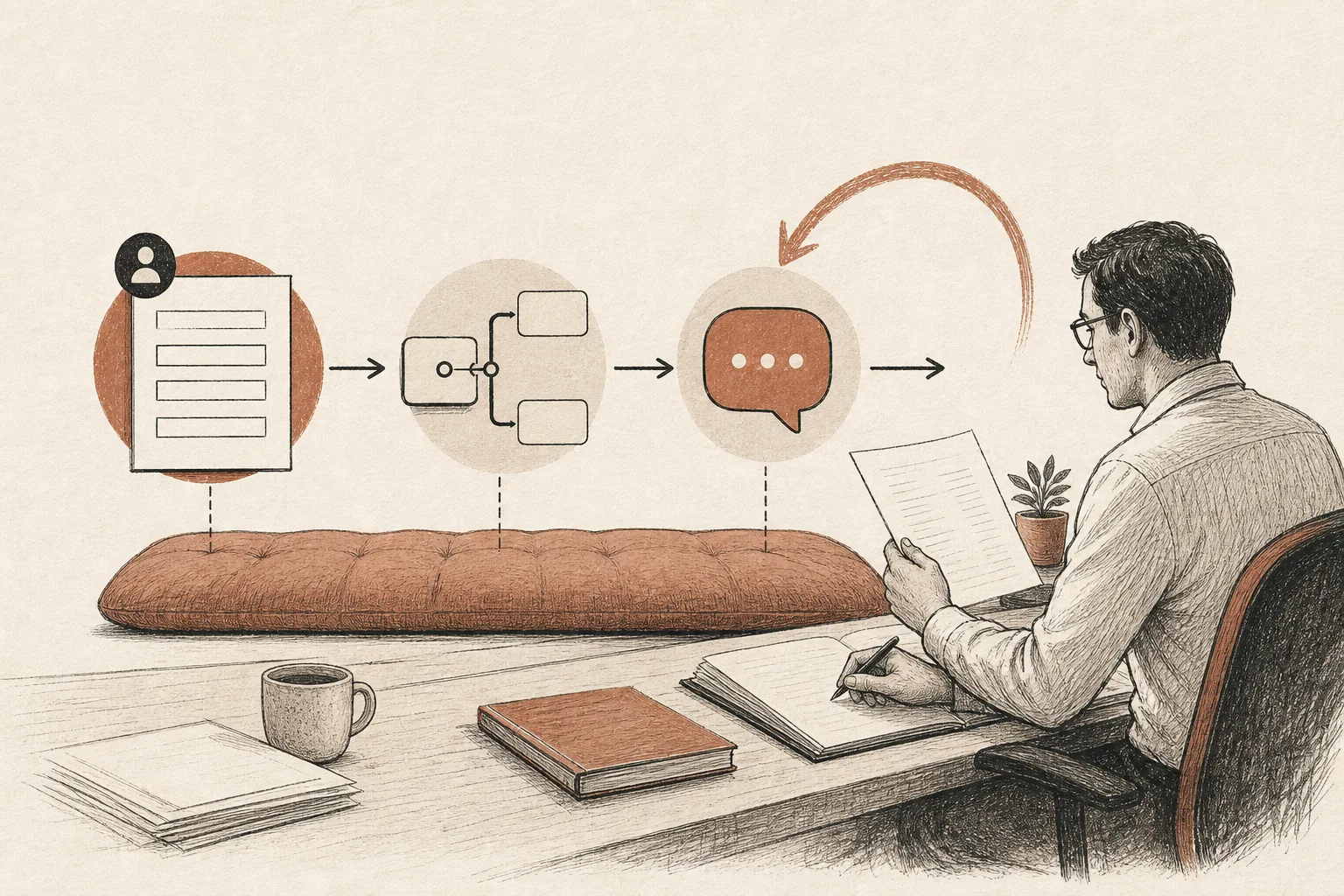
Use it for:
- internal experiments;
- a personal assistant for one employee;
- simple routing and notifications;
- low-risk FAQ;
- draft generation where a person always reviews the result;
- testing whether the team will use the workflow at all.
The mistake is treating a builder demo as proof that a production system is solved. A demo shows that the happy path can work. Production has unhappy paths: missing data, angry customers, ambiguous requests, duplicate records, access restrictions, slow APIs, and people pasting screenshots instead of clean text.
If the wrong answer only creates mild inconvenience, keep it cheap. If the wrong answer can lose money, expose private data, mislead a customer, or break an internal process, pay for the boring parts.
Production cost starts with responsibility
A production AI system should have an answer to several plain questions:
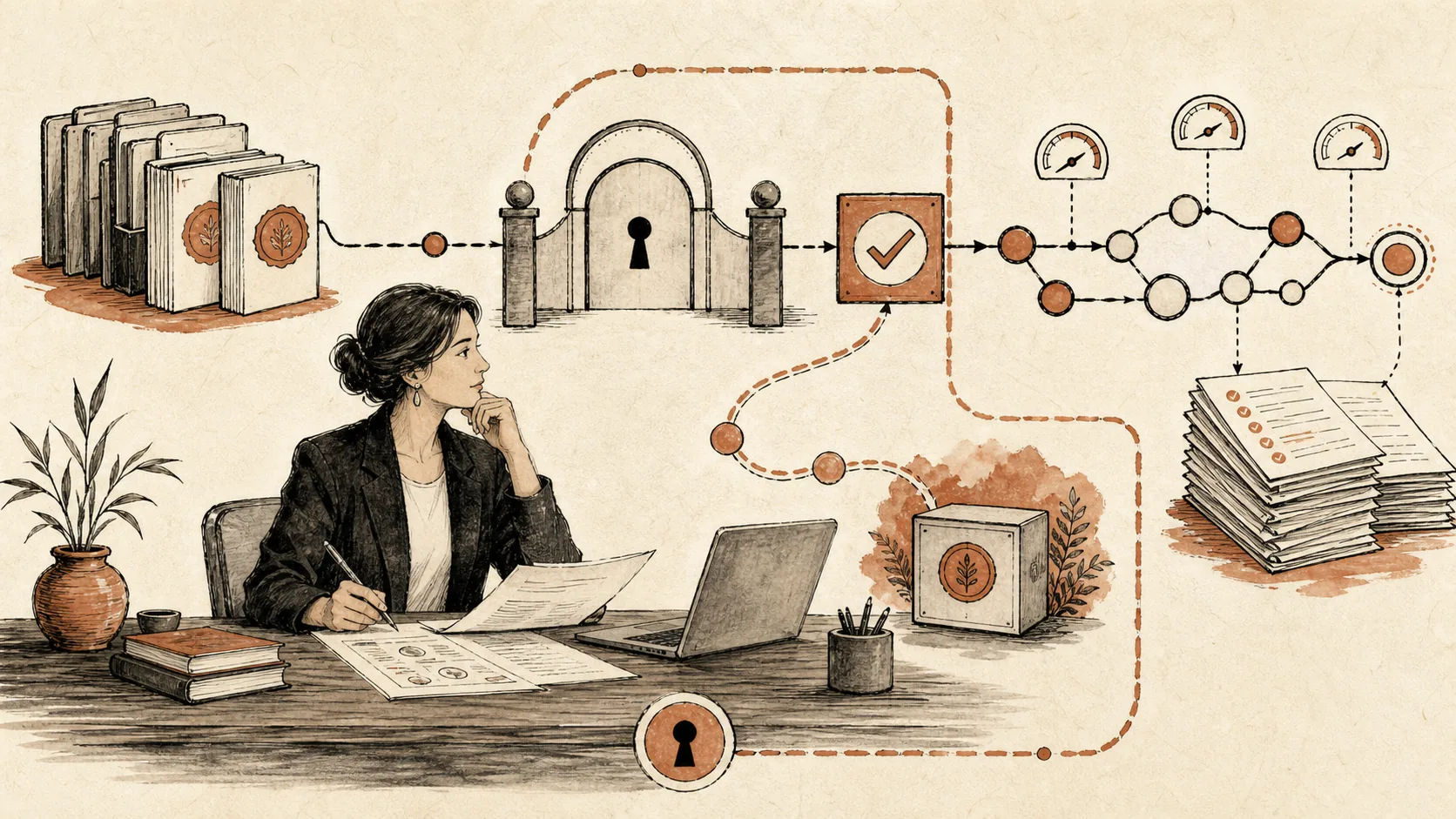
- Who owns the workflow?
- What may AI do without approval?
- What must always be reviewed by a person?
- Which sources are trusted?
- Which users can see which material?
- What happens when the answer is uncertain?
- How are failures logged and reviewed?
- How do we know a new model or prompt is better?
These questions decide the architecture more than the model brand does.
For example, an agent for sales can start as a recommendation layer: it reads a lead, suggests the next message, and leaves the manager in control. That is cheaper and safer than an agent that sends messages on its own. Later, once enough scenarios pass evals, some actions can become automatic.
This is also why the distinction in AI agent vs chatbot vs workflow matters. A chatbot answers. A workflow moves data. An agent may reason across steps and tools. Each step adds responsibility, so each step changes cost.
Where evals fit in the budget
Evals are sometimes treated as an extra. For serious work, they are closer to insurance and steering.

A useful eval set may include:
- 30-100 real user requests;
- expected answer traits, not just exact wording;
- examples where the system must refuse;
- examples where it must ask a clarifying question;
- source-faithfulness checks for RAG;
- JSON and tool-call validation;
- regression cases from real production failures;
- cost and latency comparison between models.
This does not have to become an academic testing program. Even a simple table of scenarios, expected behavior, and pass/fail notes makes the project less mystical. The team can see whether quality improved, whether a cheaper model is good enough, and whether the latest prompt broke something that used to work.
In many projects, evals pay for themselves by preventing two expensive habits: endless prompt tweaking and overusing the most expensive model for every request.
Operating cost after launch
After launch, the bill has two parts: human support and machine usage.
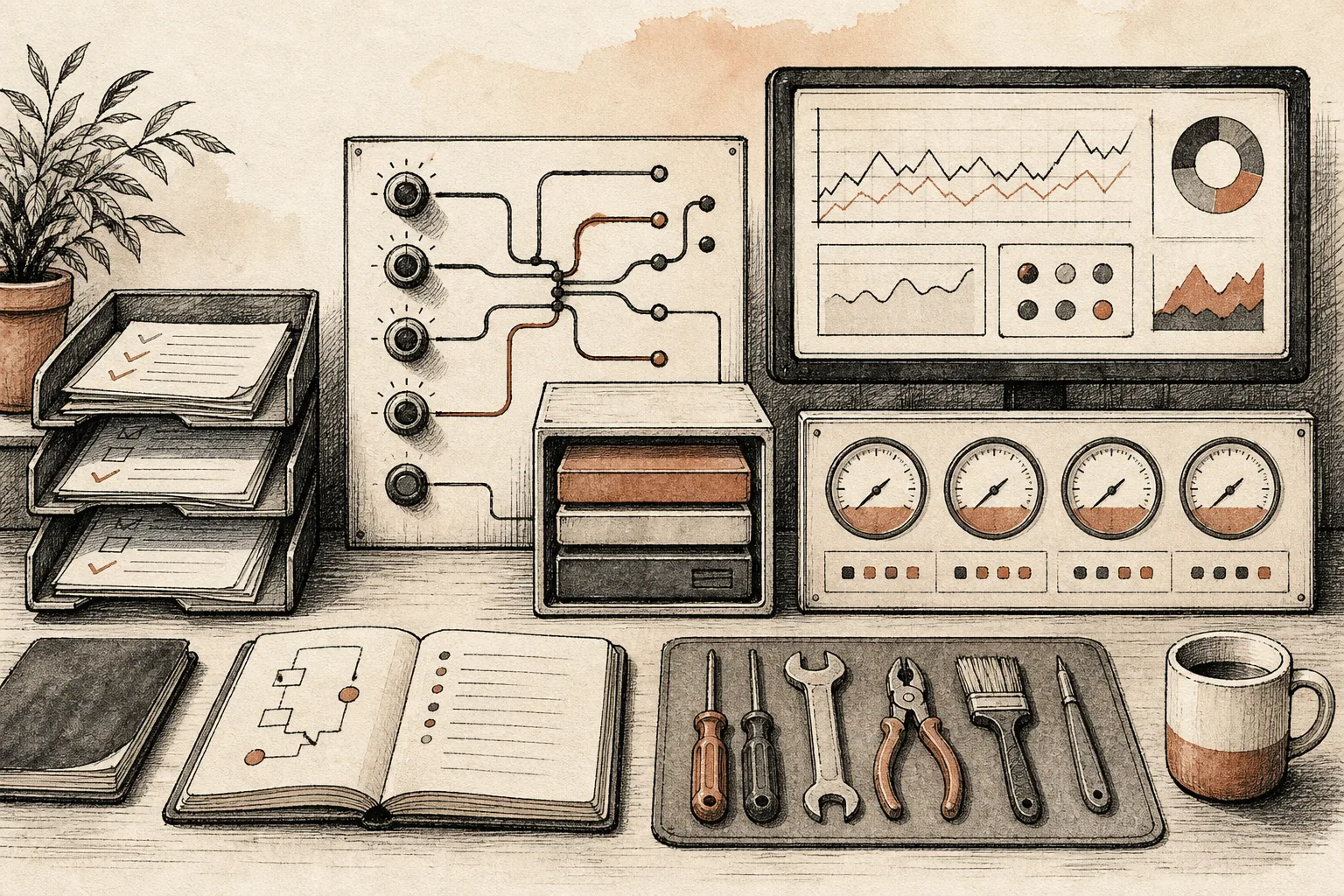
Human support covers logs, bug fixes, prompt changes, new documents, small UX fixes, integration maintenance, and review of failed answers. For a narrow assistant this can be a light monthly support runway. For a workflow used every day by sales, HR, support, or operations, it becomes product work.
Machine usage depends on traffic, model choice, context size, retrieval strategy, and whether the system calls tools. OpenAI, Anthropic, and cloud providers price models per token, request, service tier, data residency setting, batch mode, and sometimes tool usage. The exact number changes, but the pattern stays stable: long context, expensive models, repeated retrieval, and agent loops raise the bill.
This is why evals and routing matter. If simple requests pass on a cheaper model, route them there. If a hard case needs the strongest model, pay for it only on that case. If the same context is reused often, caching may matter more than another prompt rewrite.
Private deployment is a different project
Some companies ask for AI “on our own servers”. The reason may be regulation, data sensitivity, corporate policy, or distrust of external services. Sometimes that requirement is valid. It also changes the work.

Private deployment can include:
- model selection and benchmarking;
- GPU or private cloud capacity;
- inference serving;
- model updates and rollback;
- observability and incident response;
- data isolation;
- security review;
- backup and disaster recovery;
- internal operations training.
That is why the private number can start around from $100k. The company is no longer only buying an AI feature. It is buying the infrastructure needed to run and operate AI.
Before choosing this route, it is worth separating three concerns: data privacy, data residency, and model ownership. Sometimes a secure cloud architecture with strict access control is enough. Sometimes private deployment is truly required. The wrong assumption here can add months and a large infrastructure bill.
How to scope a first estimate
A useful estimate needs fewer buzzwords and more evidence. Bring this to the first discussion:

- One workflow, not five.
- 30-100 real examples: messages, tickets, documents, manager replies, mistakes.
- The current cost of the workflow: hours, delays, missed revenue, support load.
- The cost of a wrong answer.
- The systems involved: CRM, messengers, databases, document stores, analytics.
- The required language mix: Kazakh, Russian, English, or all three.
- The approval boundary: draft, recommend, act with confirmation, or act alone.
- Security constraints: cloud allowed, restricted cloud, or private deployment.
With that material, an estimate can separate prototype work from production work. Without it, any price is mostly a guess dressed as confidence.
A sensible buying sequence
The safest path is usually:
- Map one workflow.
- Collect real examples.
- Build a narrow prototype.
- Create an eval set from real cases.
- Connect the minimum useful integration.
- Launch to a small group.
- Review logs and failures.
- Expand only after quality is visible.
This sequence keeps the budget honest. It gives the company a way to stop early if the workflow is not valuable, and it gives the delivery team enough evidence to avoid building a glossy system that fails on ordinary work.
Bottom line
If you need a small experiment, start cheap. A builder may be enough.
If AI will touch customers, company knowledge, CRM, documents, or operational decisions, budget for production work: integrations, access control, evals, logs, launch support, and iteration.
If AI must run fully inside your own infrastructure, treat it as an infrastructure program, not a normal feature build.
The best budget is not the biggest one. It is the one tied to a specific workflow, real examples, a clear error boundary, and a measurable definition of “good”.