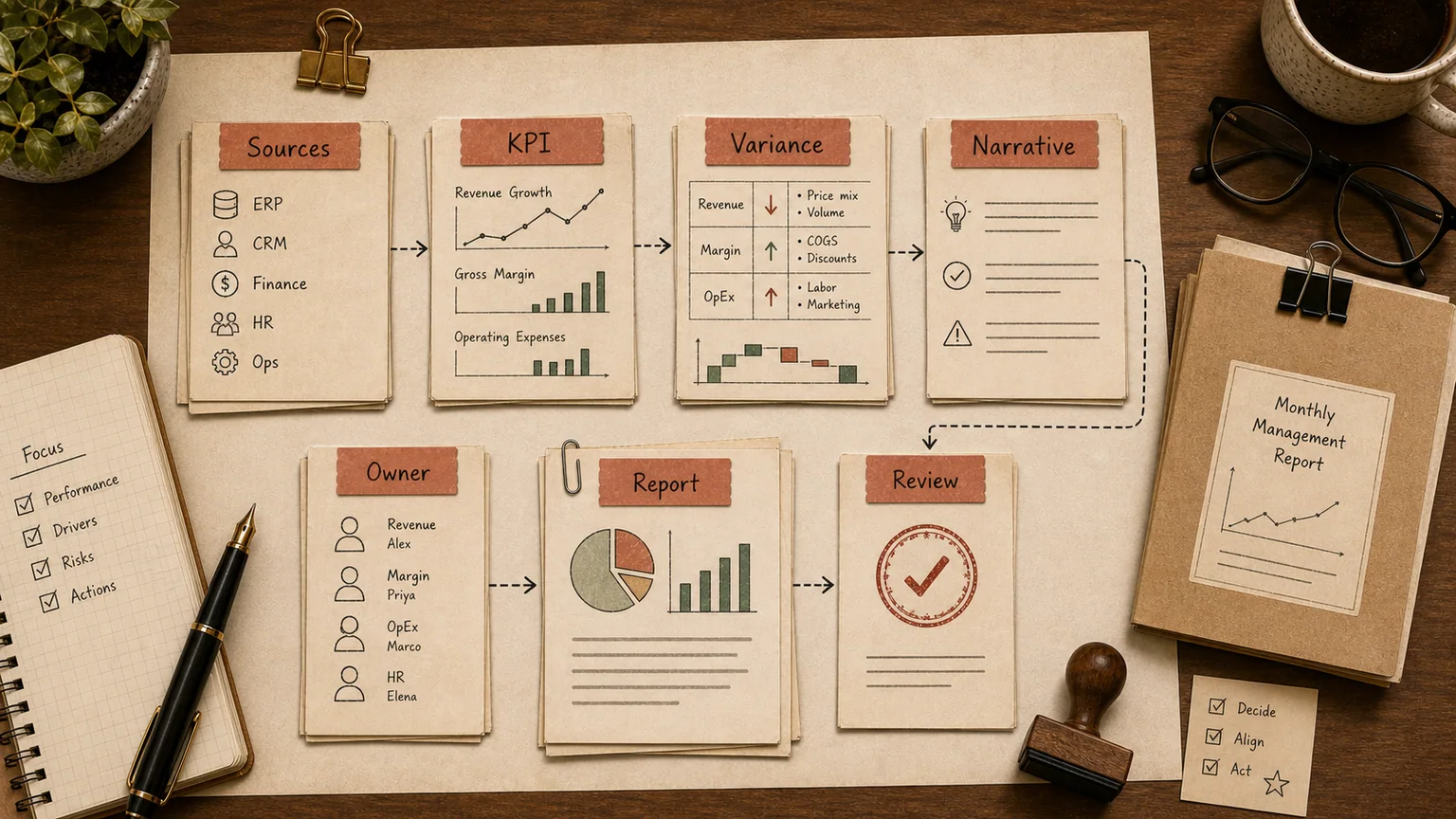
In short
Most mid-size finance teams still take five to ten business days after month-end close to hand a management report to leadership. By the time the numbers land on the CFO's desk, half the decisions they should inform have already been made on gut feel. The bottleneck usually isn't accounting skill — it's that revenue, cash, and cost data live in three or four systems that don't talk to each other and get stitched together by hand.
AI doesn't replace a controller and it doesn't understand the business better than the person who runs it. What it removes is the dullest part of the job: pulling exports into one shape, flagging where two systems disagree, and drafting the first pass at a variance commentary. Judgment calls — what counts as a real anomaly versus normal noise — stay with a person. Below: what actually belongs in a management report, why the pipeline is slow, and where automation earns its keep instead of just sounding good in a vendor deck.
What a management report actually contains
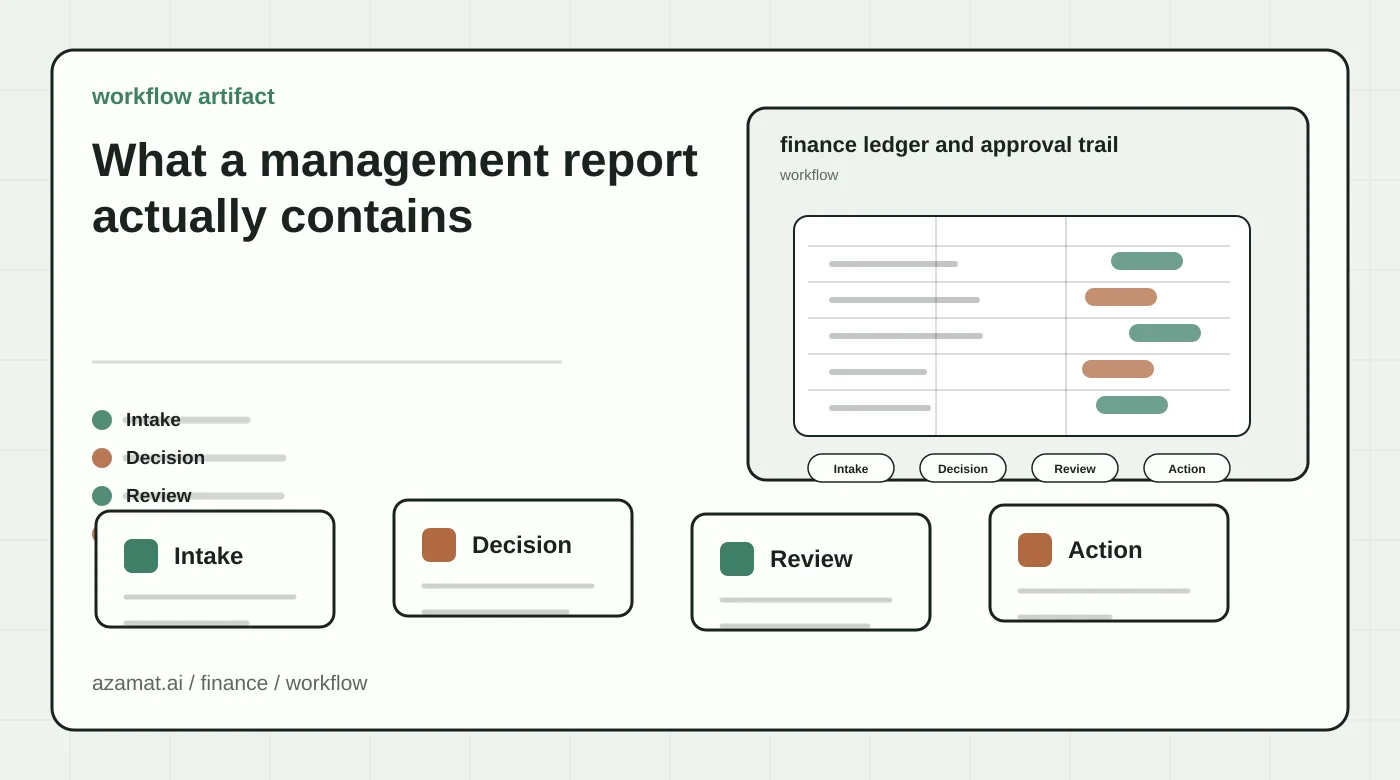
Unlike statutory financial statements, management reporting isn't dictated by regulation — a company builds its own format around the decisions it needs to make. In practice, most reports converge on the same core:
- a P&L broken out by month, usually sliced by business unit, region, or product line;
- a cash flow view — what actually moved, not what was accrued;
- budget-vs-actual with variance explanations;
- a cost-center or business-unit breakdown of who earned and spent what;
- a handful of operating KPIs specific to the business: revenue per location, average order value, inventory turns, days sales outstanding.
Everything past that core is industry-specific: SKU-level detail in retail, project margins in professional services, shift-level output on a factory floor. The skeleton stays the same; the depth changes by business. If revenue already flows through a CRM, it's worth treating AI-driven CRM integration as another feed into the same consolidated report, not a separate project that never talks to finance.
Why the pipeline takes so long
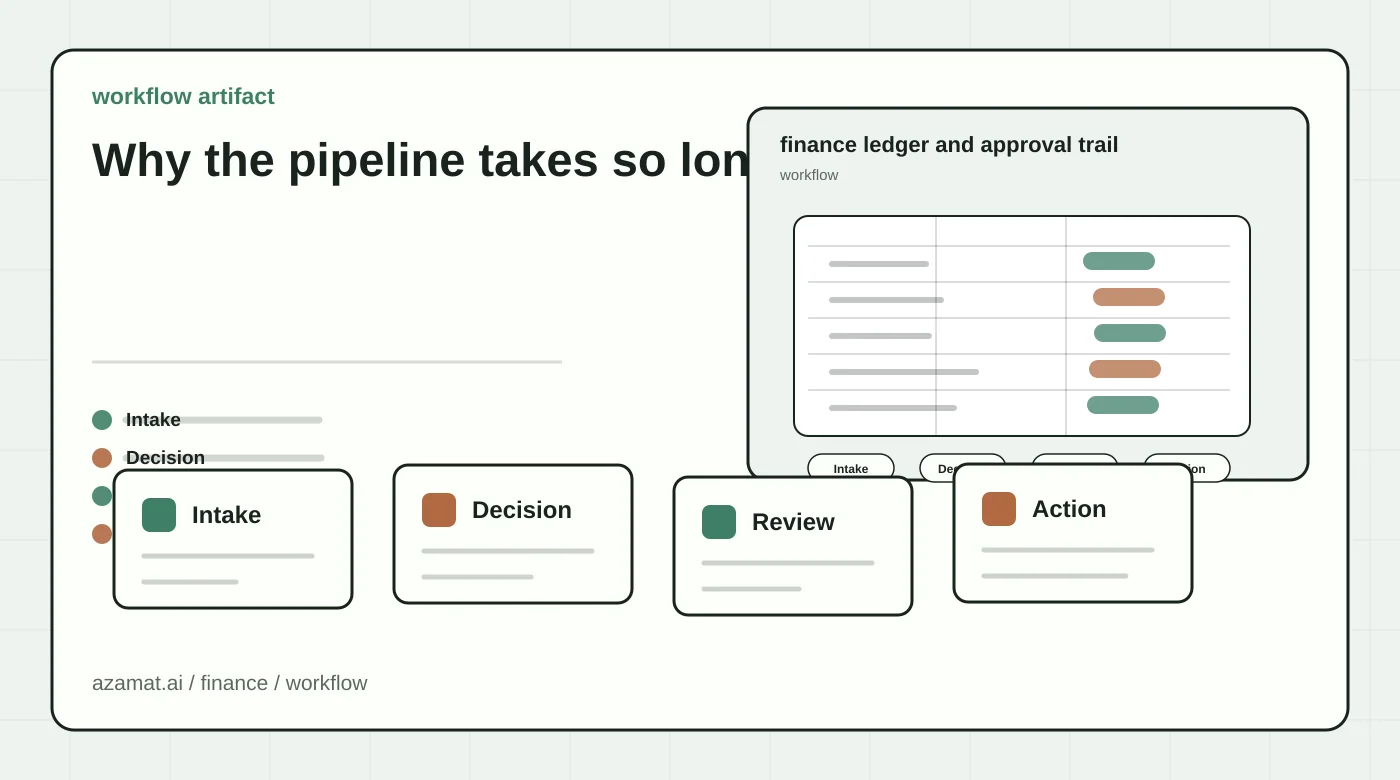
A typical report gets assembled from three or four sources that were never designed to reconcile with each other: the ERP for postings, spreadsheets from regional or departmental owners, bank feeds for actual cash movement, sometimes a CRM for revenue recognition. Different systems mean different date formats, different account names, different rounding.
Then the manual reconciliation starts. Someone stitches the exports into one file, finds the line where the ERP total doesn't match the bank statement, and emails a branch manager to ask what a $12,000 payment with no memo actually was. In multi-entity or multi-location companies, this is where most of the time actually goes — not building the report itself, but tying the data out. Finance teams typically spend close to a third of their working time on data collection and reconciliation rather than analysis, and that's before anyone has opened the report to think about what the business is actually doing. Multiple industry surveys put the traditional close cycle at eight to ten business days and well over a hundred manual hours across a team. It's the same root problem covered in why AI projects need evals before anyone trusts their output on real numbers: the tools already in place rarely reconcile cleanly without something gluing them together and checking the result.
Once the numbers finally tie out, there's a second job waiting: writing the commentary. Why revenue dipped 8% in the Midwest region, why payroll is running hot, where the cash crunch came from. That alone often costs an analyst another day or two, because a real commentary means comparing against last period and against budget, not just restating a number.
What AI actually speeds up here
Three parts of the pipeline where automation produces a measurable result without touching judgment calls.
Pulling and normalizing the data. An agent connects to the ERP, bank feeds, and departmental spreadsheets, maps everything to one chart of accounts, and assembles a raw consolidated file. What used to take an analyst half a day — copying, renaming columns, aligning date formats — becomes a background job. Companies that automate this step commonly cut the data-consolidation stage from several days to a few hours.
Reconciliation and exception flagging. AI is good at catching what a tired human misses on the fortieth similar row: an ERP total that doesn't match the bank feed, a branch that resubmitted last month's file instead of this month's, warehouse rent sitting in a "miscellaneous" bucket. The model doesn't decide what to do about a discrepancy — it surfaces it, and a controller checks the amount and the cause.
Drafting the variance commentary. Feed the model this month's P&L, last month's, and the budget, and it produces a first draft: what moved, what missed plan by more than a set threshold, where the variance sits against a prior trend. A person then edits in the context the numbers can't carry on their own — a customer paid late, a warehouse manager quit, a supplier raised prices. The draft saves an hour or two; without a human edit it's just a restatement of the table.
Cash flow forecasting is worth calling out separately. Given payment history and known obligations, a model can flag a likely cash crunch one to two weeks out reasonably well. That's not magic — it's just noticing faster than a human that three large supplier payments and payroll land in the same week.
Where a human has to stay in the loop
Three things can't be handed to a model outright.
First, interpreting a number as a signal. AI can say "marketing spend is up 18% month over month." Whether that's a warning sign or a planned pre-season investment is a judgment call that depends on context a spreadsheet doesn't carry.
Second, the final figure in anything that goes to an owner, a board, or a lender. Generative models sometimes produce a confident, plausible-looking number that simply isn't in the source data — they predict the next likely token, not verify a fact. In a management report, that kind of error isn't a typo; it's a decision made on a number that was never real. Any figure that leaves the internal-draft stage should pass through someone who can trace it back to the source system.
Third, methodology: what counts as revenue, how shared costs get allocated across business units, when revenue gets recognized. Those are calls a controller or CFO makes, not an output of a model running over the data.
The practical split: AI owns the speed of the draft. A person owns whether what's in the final report is true.
Running a 30-day pilot without breaking the process
Don't wire AI into the whole finance stack on day one. A sane first step looks like this:
Week one — pick one report, usually the consolidated P&L, and map exactly where the numbers come from today: which files, which system, who sends them, and when.
Week two — automate the pull and reconciliation for that one report, with a human still signing off on the final numbers. Compare the time it used to take against the time it takes now.
Week three — add the draft variance commentary and track how many edits the analyst actually makes. If the edits outweigh the time saved, the prompt or the underlying data mapping needs work, not more AI.
Week four — measure the real effect: how many days earlier the report is ready, how many reconciliation errors got caught before the report went out instead of after a question from leadership, how many analyst hours came back.
If that single report gets genuinely faster without a quality regression, extend the same approach to cash flow, budget-vs-actual, and business-unit reporting. Rolling it out across the whole reporting stack on day one is a bad bet — the number of data sources and edge cases grows faster than expected, and without proving the model on one report first, it's easy to end up with a clean-looking system that hands an owner one wrong number.
This kind of setup usually needs more than a one-off spreadsheet macro — it needs a working AI agent wired into the ERP, bank feeds, and other source systems on an ongoing basis. The same pattern shows up in running an internal AI assistant across a company's own tools: connect it to what already exists, keep the scope narrow, and let people opt in once it proves useful. A separate piece worth planning for is training the finance team itself: corporate AI training usually needs to reach the CFO and controllers, not just the people who set up the integration, so they know exactly where to trust the model and where not to.
How to tell the pilot actually paid off
Three numbers worth checking after the pilot:
- days from month-end close to a finished report on the leadership desk, before and after;
- how many reconciliation errors the team catches before the report ships, versus after a question from the owner or board;
- analyst hours per month spent pulling data instead of analyzing variance.
If the report got faster but leadership started trusting the numbers less, the process isn't ready to scale. The real sign of maturity runs the other way: the controller stops re-adding the consolidated file by hand, because they know exactly which parts of it were actually checked.
FAQ
Is management reporting the same as financial reporting?
No. Financial statements follow regulatory rules and are built for tax authorities and external stakeholders. Management reporting is built for internal decisions, and the company decides its own structure — which cost centers to track, what counts as cost of goods sold, how to group expenses.
Where do we start if data is scattered across spreadsheets from different locations?
Not with a new ERP rollout. Start with one report: map exactly who sends what data today and in what format, then automate that single pull. A full systems migration is a separate, much longer project.
Can AI fully replace a financial analyst on this?
No, and it shouldn't. The model is good at the pull, the reconciliation, and the first commentary draft. Deciding what a number means for the business, and owning the accuracy of the final report, stays with a person.
Should we connect AI directly to the bank feed?
Yes, if the bank offers an export or API — it's one of the most reliable data points available, since there's no manual entry involved. Reconciling the ERP against the bank feed is usually where the most discrepancies surface.
If management reporting in your company is reliably ready a week after close, that's not a reason to buy a new BI platform. It's a reason to map exactly where the numbers actually come from once, and take the manual reconciliation step out of that path.