In short
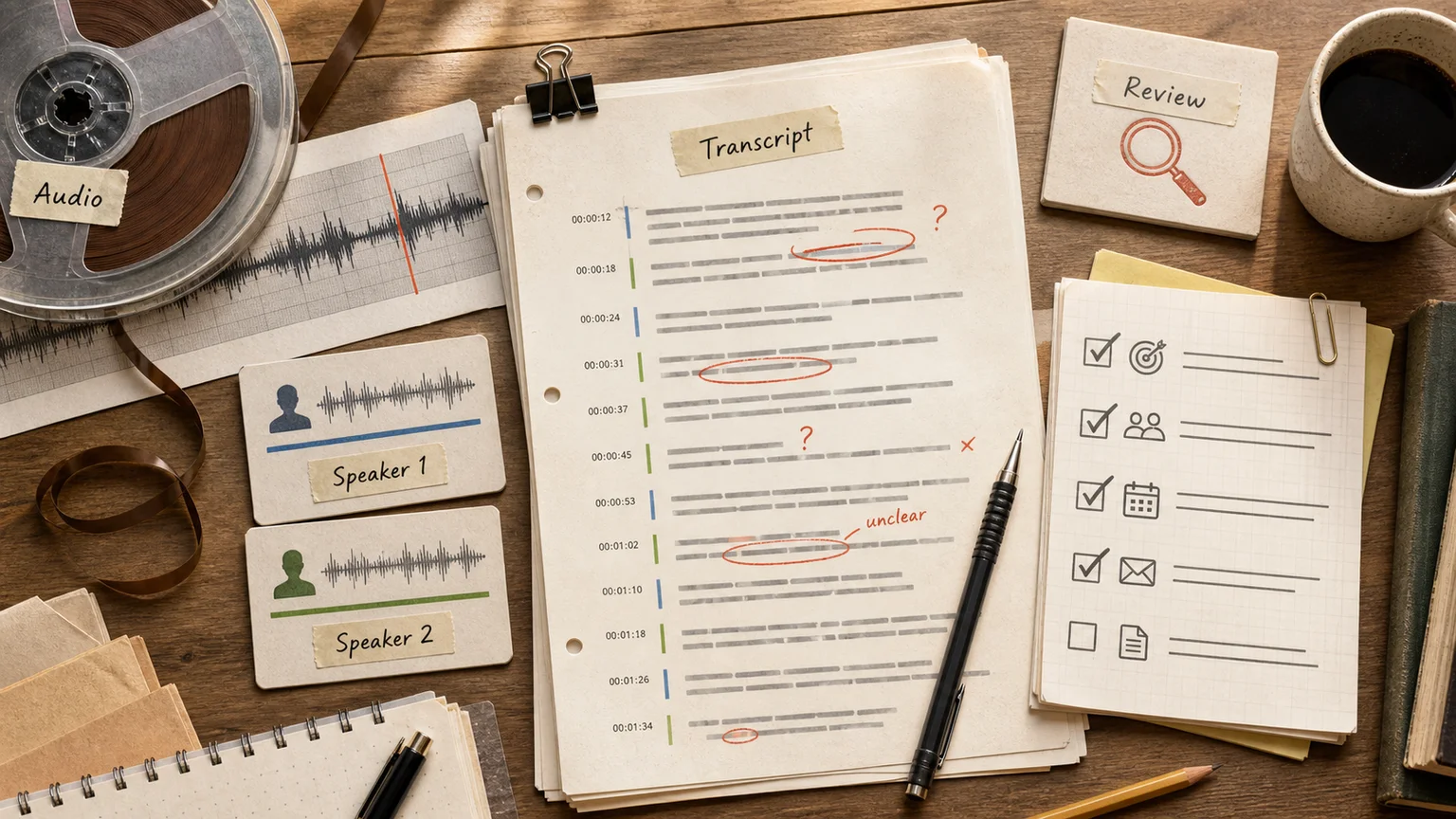
Audio transcription stopped being a hard problem and became a crowded one. Dozens of tools will turn a recording into text in minutes, and for a single interview or one meeting that is all you need. The interesting question is not "which app transcribes audio" but what you do after: sales calls you actually review, meetings that produce action items, support conversations you can search.
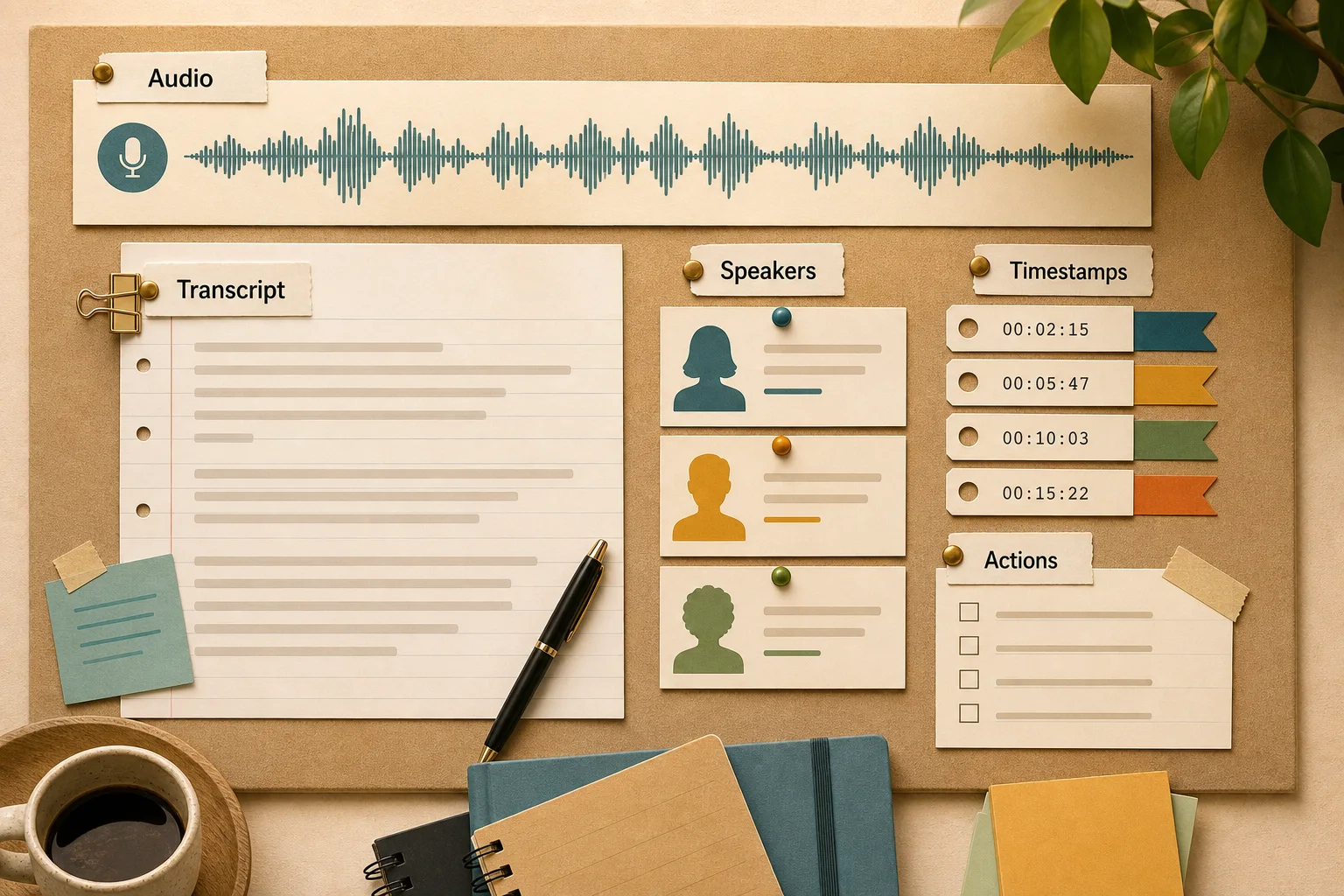
This guide covers the current landscape in 2026: open-source Whisper versus cloud APIs, why benchmark accuracy lies about your real audio, how speaker diarization breaks, and how to turn transcription from a manual chore into a pipeline that ends in decisions rather than a wall of text.
Transcription is two jobs, not one
It helps to split "transcription" into the two problems hiding inside it.
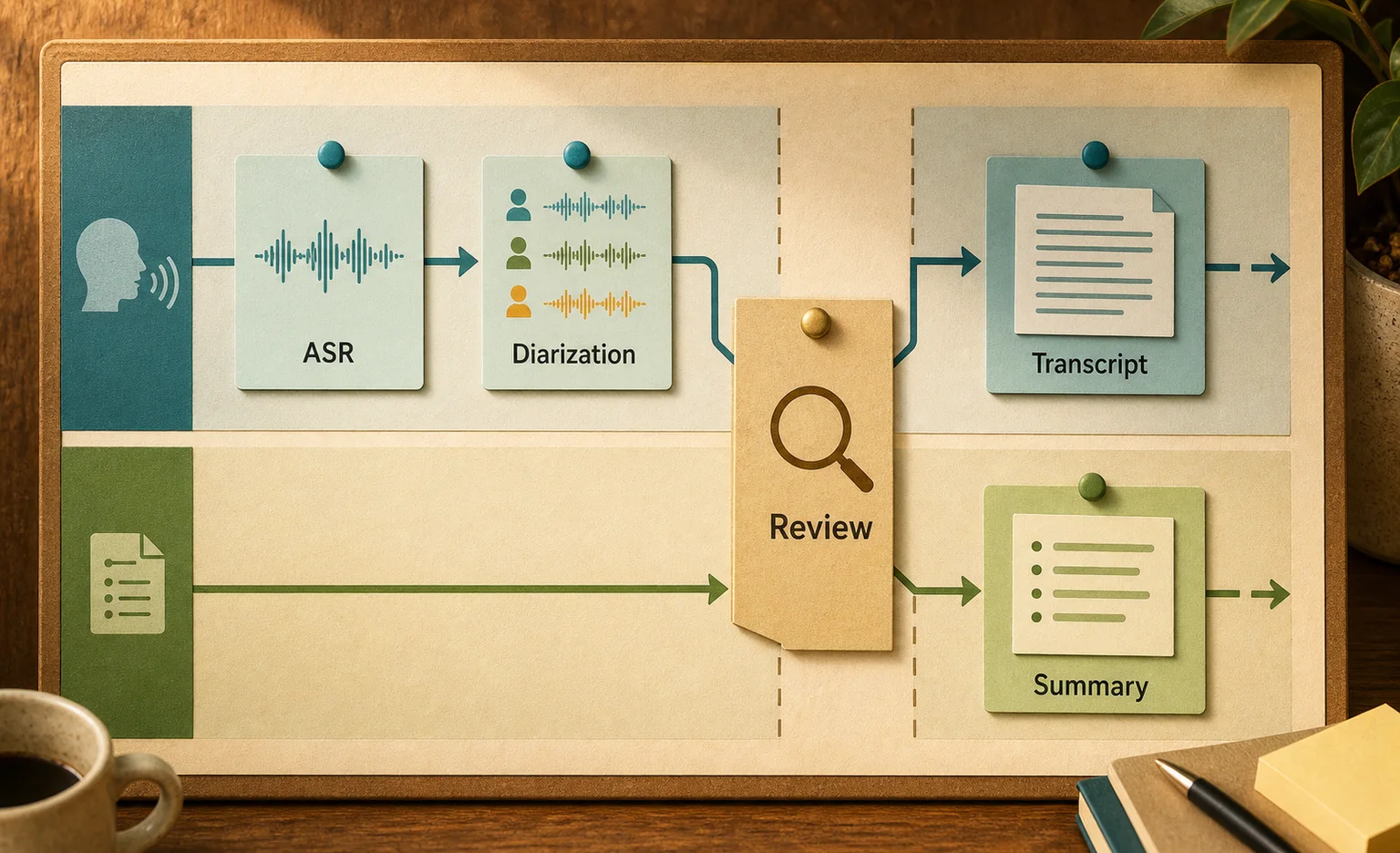
The first is speech recognition: audio in, text out. That is the ASR model doing the work. The second is everything wrapped around it — speaker labels (who said what), timestamps, punctuation, then summaries, action items, sentiment, call scoring. Raw text is a raw material. The value shows up when someone extracts decisions and next steps from it.
Most consumer tools do the first job well and the second job unevenly. On a clean three-person meeting, speaker separation is fine. On a noisy call-center recording with people talking over each other, it starts to fall apart: turns get merged, names get mangled, and the summary inherits every recognition error underneath it.
Whisper vs cloud APIs
The market splits into two camps, and the choice matters more than which brand you pick inside each.
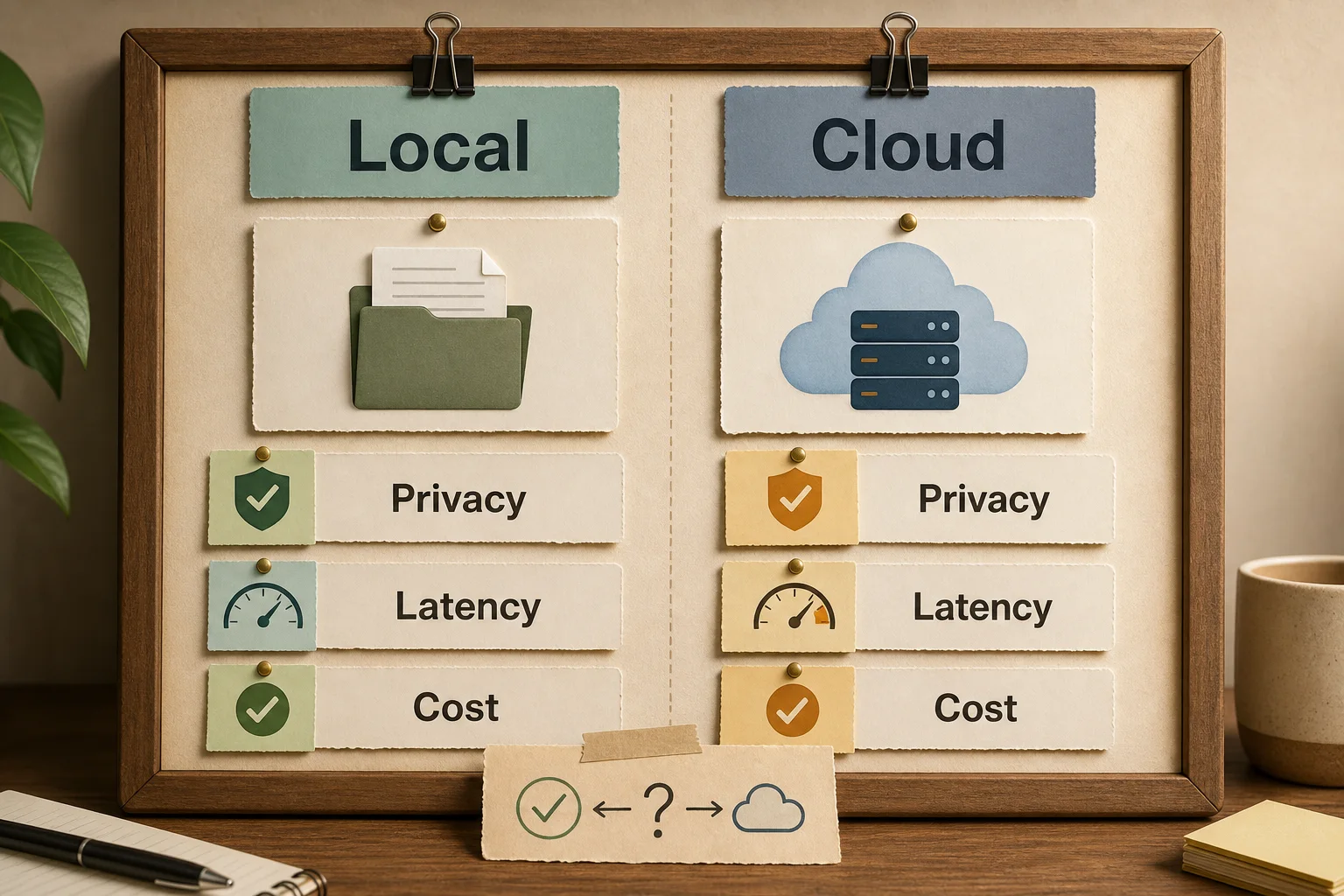
OpenAI's Whisper is the open-source default. Trained on 680,000 hours of audio across 99 languages, it is remarkably robust to noise, accents, and technical vocabulary. Its real advantage for business is control: you can run it on your own infrastructure and never send audio to a third party. For calls with personal or regulated data, that is often the deciding factor. The trade-off is that you own the deployment, the GPU cost, and the ops.
The other camp is managed APIs — Deepgram, AssemblyAI, Google, Speechmatics and others. They handle scaling, streaming, and add-ons like diarization, redaction, and sentiment out of the box. Rough shape of the market: most sit around $0.02-0.024 per minute, Whisper is cheapest to run at roughly $0.006 per minute of compute, and streaming latency and diarization quality are where they actually differentiate. Independent benchmarks in 2026 put the strongest real-time engines around 8-10% word error rate on realistic audio, with per-minute add-ons that stack on top of the base rate.
One thing worth knowing: OpenAI also shipped dedicated transcription models (gpt-4o-transcribe and a mini variant) that beat classic Whisper on many tasks. So "use Whisper" is no longer a single decision — it is a shortlist.
Benchmark accuracy is not your accuracy
Vendors quote word error rates in the low single digits. Whisper large-v3 lands near 2.7% on clean benchmark sets. Those numbers are real and almost useless for planning, because they are measured on studio-quality audio with clear speech.
Your audio is not that. A real sales call has background noise, a cheap headset, two people interrupting each other, and domain jargon the model has never seen. The same model that scores 5% on a benchmark can deliver 15-20% on that recording. This is not a flaw to complain about; it is a reason to test on your own audio before you commit. A provider that looks best on a leaderboard can lose on your actual calls, and the only way to know is a side-by-side run on recordings you recognize.
There is also a version choice inside Whisper itself. The large model is the most accurate but heavy and slow. The turbo variant is within roughly half a point of it on quality and several times faster, which matters a lot when you are transcribing a stream of calls rather than one file.
Multilingual and accented audio
If your audio is clean English, most tools handle it well and the choice comes down to price, latency, and diarization. The picture changes fast the moment you leave that comfort zone.
Accented English, code-switching, and lower-resource languages are where quality diverges sharply. A model trained mostly on standard English will stumble on heavy accents and on speakers who switch languages mid-sentence. Vendors that market "99 languages" support them unevenly — the long tail of languages has far less training data behind it, and it shows on real recordings.
Two practical consequences. First, if any meaningful share of your audio is not clean English, benchmark WER tells you nothing; test the specific languages and accents you actually get. Second, for a language or dialect the market underserves, the fix is usually not another cloud vendor but fine-tuning an open model on your own recordings. That is more work, but it is the only reliable way to close the gap when off-the-shelf tools treat your language as an afterthought.
Turning calls into decisions
One-off transcription is a convenience. A stream of calls is a management tool, and this is where transcription earns its keep.
In a typical sales team, a manager listens to maybe 5-10% of calls. The rest is a blind spot: how reps handle objections, what they promise, where deals leak. When every call becomes text automatically, you can review 100% of them — not by listening for hours, but by scanning a transcript with a summary in under a minute. That single shift is why conversation intelligence moved from experimental to standard practice.
What it buys you in practice: coaching that points at the exact sentence where a prospect went cold, not a vague "work on your objection handling"; script adherence you can see instead of guess; and commitments that land in a task ("call back after the 20th") instead of a forgotten voicemail. Speaker diarization is load-bearing here — attributing an objection to the decision-maker versus a junior in the room changes what the number means.
Meetings follow the same logic. An hour-long call collapses into a record with decisions and owners, so nobody relitigates "what did we agree?" a week later. The mechanics are usually: pull the recording from telephony or CRM, transcribe, write the text back to the deal or meeting record, then run a model over it to summarize and extract tasks. Off-the-shelf notetakers cover the common case. Custom logic — your own scoring, your fields, your CRM — is where you move to AI for sales built around the process rather than a generic bot.
What breaks in production
A clean demo and a working pipeline on live audio are different animals. The usual failure points:
Diarization mislabels speakers. On a noisy line the model confuses who is talking. For meeting minutes that is annoying; for call scoring, where you need to know whether the decision-maker raised the objection, it corrupts the whole analysis.
Names and jargon. Company names, products, surnames, and acronyms get replaced with similar-sounding words the model does know. A custom vocabulary fixes most of it, but someone has to build and maintain that list.
Quiet and overlapping speech. Two people at once, a far microphone, a half-attentive call — every model struggles here. Sometimes fixing the recording setup is cheaper than chasing a perfect transcript.
Because of this, you validate on real recordings before going live and decide where errors are tolerable and where they break the process. For a streaming AI workflow, that means evals — a set of checks on your own examples, not a gut read from a couple of calls.
Running a pilot
Do not build for the whole company on day one. A sane path is a narrow pilot over a couple of weeks.
Start by collecting 30-50 real recordings: different speakers, background noise, interruptions, whatever actually comes in — not polished demos. Run them through two or three tools, say a cloud API and self-hosted Whisper, and compare the transcript honestly against what was said.
Then score the things that matter, not abstract "accuracy": how much text is usable without edits, whether speakers are labeled correctly, whether key commitments land in the summary, and how it handles accents and any non-English audio. Separately, settle privacy: a cloud service versus your own model on your own servers, because that constraint can decide the whole architecture.
Only then integrate one process — say, transcribing one team's inbound calls with output into the CRM. A narrow loop is easier to measure and safer to fix. If the value is visible there, expand.
That build is no longer "connect a service"; it is wiring AI into your workflow: pick the model, tune it for the languages you actually get, connect telephony and CRM, add summaries and tasks, and keep a human wherever a recognition error is expensive.
Where the human stays
The model recognizes speech; it does not own the meaning. The final call on a deal, the read on a disputed conversation, a legally meaningful record — those belong to people. The transcript is an assistant: it gives you the full text instead of memory and spot-checks, but it does not replace the person who reads and decides.
This matters most when scoring people. Hanging a KPI directly on numbers pulled from a transcript is tempting and unfair, because the model errs and the rep takes the hit for a bad microphone. Use the transcript as evidence and the human as the judge.
FAQ
Which transcription tool should I pick for a one-off task?
For a single interview or meeting, any cloud service with a free tier works — test quality and speaker separation on your own file first. If the audio has accents or multiple languages, test that specifically; the gap between tools widens fast there.
Is Whisper better than cloud APIs?
Whisper gives strong accuracy and, crucially, runs on your own infrastructure without sending audio out — important for calls with personal or regulated data. But you own the deployment and ops. For a one-off, a cloud API is simpler; for a private, high-volume stream, self-hosting usually wins.
How accurate is transcription on real audio?
Clean audio can hit single-digit error rates; real calls with noise, cheap mics, and overlapping speakers often land at 15-20%. Benchmark numbers describe studio conditions, so always test on recordings that look like yours.
Can I transcribe calls straight into my CRM?
Yes. Pull the recording from telephony or CRM, transcribe, and write the text and a summary back to the deal record. Off-the-shelf integrations cover typical cases; custom scoring logic and heavy multilingual audio call for an integration built around your process.
If call transcription is meant to actually control quality rather than tick a box, start with one team and your own recordings. We help build that loop for sales-call analysis and customer support — from model choice to summaries and tasks landing in your CRM.