In short
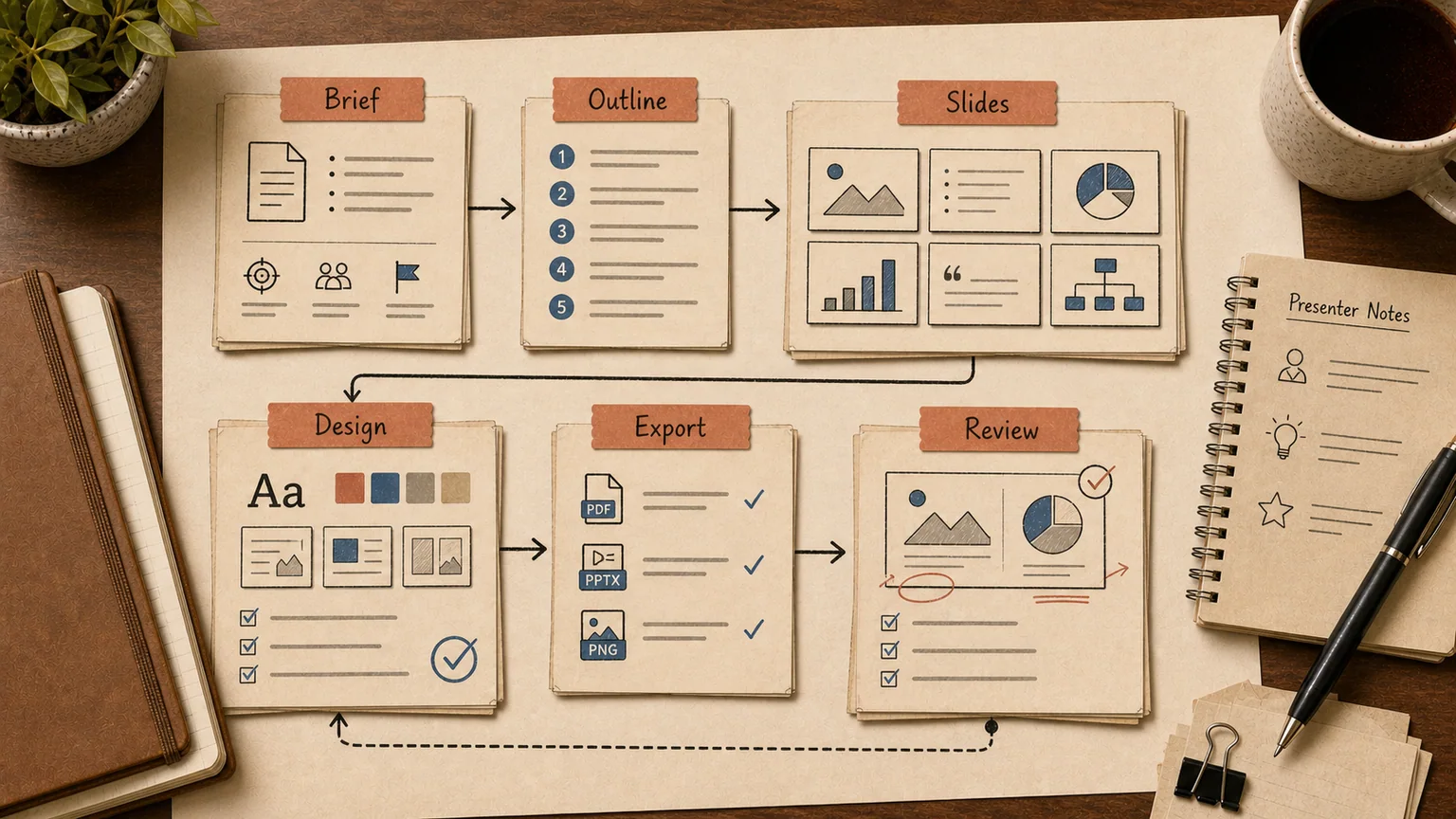
AI presentation tools are good at one thing: turning a rough idea into a structured first draft in minutes instead of hours. They are not good at producing the final deck you send to a client or present to the board — that still needs a person who knows the numbers, the brand guidelines, and what the audience actually cares about. Treat the output as a draft, and the tools earn their subscription. Expect a finished deck, and you will be disappointed.
This comparison covers Gamma, Beautiful.ai, the ChatGPT-plus-PowerPoint workflow, Microsoft Copilot, and where a couple of narrower tools fit. No single winner, because the right tool depends on whether you need speed, brand consistency, or a native .pptx file with zero formatting surprises.
The same logic shows up across other office workflows: AI is useful for the repetitive part, and a person stays responsible for the judgment call. We cover a similar pattern in why AI projects need evals and in how to choose an AI implementation vendor when a tool choice turns into an actual build.
Gamma: the fastest draft, the messiest export
Gamma turns a text prompt into a full deck — outline, slide copy, images, layout — in roughly 30 to 40 seconds. Of everything in this comparison, it is the fastest way to go from a blank page to something you can react to.
The tradeoff shows up on export. Gamma's native format is a web-first, card-based layout, not a slide deck, so converting to .pptx frequently breaks fonts, shifts text boxes, and changes slide proportions. If the final file has to open cleanly in PowerPoint on someone else's laptop, test the export well before the meeting, not an hour before it.
Gamma is a strong fit for an internal pitch, a quick one-pager before a call, or shaping the structure of a talk. It is a weaker fit for the final version of a corporate deck that has to match an existing brand template exactly.
Beautiful.ai: less generation magic, more layout discipline
Beautiful.ai solves a different problem. It is not as strong at writing content from a blank prompt, but it holds a layout together: add a sixth headshot to a team slide and the grid reflows on its own; add a fourth bullet and the type size adjusts so the slide stays readable.
That discipline matters for teams that need one template, one font, one color system across every department — marketing, sales, and finance all producing decks that look like they came from the same company. The weak spots are non-English language support in the template library and slower content generation compared with Gamma. For a team that mixes English decks with local-language ones, that gap is worth testing before standardizing on it.
ChatGPT plus PowerPoint: manual, but the most controllable
There is no direct "ChatGPT generates a .pptx" pipeline. ChatGPT writes copy, structures the argument, suggests which chart fits a given slide, and can generate an image. Everything still has to be copied into PowerPoint by hand.
That sounds like an extra step, and it is, but it is also the most flexible option on this list. You can draft an outline in chat, ask for a version that fits a 7-minute slot, then ask for the same content reframed for a different audience — all without fighting a template. The downside is zero automated layout; the upside is full control over the actual content, which matters when the deck contains real revenue numbers instead of generic talking points.
Copilot in PowerPoint: native file, real limits
Copilot lives inside PowerPoint and works directly on a .pptx file — no conversion, no broken fonts. For an organization already standardized on Microsoft 365, that removes Gamma's biggest headache in one move.
The limits are real too. A prompt-length cap makes it hard to feed in the full context a business deck usually needs, and iterative editing is clunkier than a normal back-and-forth with ChatGPT — asking it to "tighten slide 5 and expand slide 8" does not reliably produce a clean result on the first try. Copilot also requires its own Microsoft 365 Copilot license on top of standard Office licensing, which is a real line item for a mid-size company buying it for one feature.
The data privacy question nobody puts in the marketing copy
Free tiers of several AI presentation tools use submitted prompts and content to improve their models. If a deck contains real revenue figures, unannounced deal terms, or employee data, that is not a hypothetical risk — it is the default behavior of a consumer-tier tool. Enterprise tiers usually add an explicit no-training commitment, SOC 2 controls, and sometimes data residency options; consumer tiers usually do not.
A workable middle ground: draft structure and generic talking points in the free tool, then insert the confidential specifics manually into the version that goes out the door. It keeps the speed benefit without handing sensitive numbers to a vendor's training pipeline.
Where these tools genuinely save time
Three scenarios where the time saved is real, not theoretical.
A fast internal pitch. You need a structure for a leadership conversation in twenty minutes: context, two or three options, tradeoffs, a recommended next step. The tool gives you a draft to cut down, which is faster than staring at a blank slide.
A first pass at a quarterly business review. The numbers already live in a spreadsheet or a CRM export; the work is turning them into a narrative with "what happened," "what didn't work," and "what's next." AI is decent at drafting that narrative shape — the actual charts and figures still need a human check before anyone sees them.
Adapting one deck for three audiences. The same underlying pitch needs different emphasis for an investor, a prospective customer, and an internal team. Asking the tool to rewrite emphasis for each audience is faster than rebuilding three decks from scratch.
Where these tools fall short
Anything with real analytical weight. If the deck needs a specific calculation methodology rather than a chart that just looks plausible, the model will happily invent numbers unless you feed it an exact source. Treat any AI-generated chart as a placeholder until someone checks it against the underlying data.
Pixel-perfect brand compliance. A strict brand system — exact spacing, a specific typeface, an approved color palette used consistently — is exactly what generative layout tends to break, because the model is optimizing for "looks fine in general," not for a specific style guide.
Confidential and regulated data, covered above.
Long decks with internal logic across 40-plus slides. These tools hold structure reasonably well across ten to fifteen slides. Past that, the thread gets lost, and slide 30 can quietly contradict slide 5.
How to actually choose
If speed matters more than a clean PowerPoint export, use Gamma. If a ten-person team produces decks weekly and brand consistency matters more than raw generation speed, use Beautiful.ai. If the organization is already standardized on Microsoft 365 and needs a native .pptx with no conversion step, use Copilot. If you need full control over content and numbers and don't mind assembling the layout by hand, ChatGPT plus PowerPoint is still the most reliable combination.
For a one-off deck, the tool choice barely matters. It matters for teams that build decks constantly — sales reps preparing proposals every week, HR building candidate-facing materials, finance producing board updates. A twenty-minute saving per deck adds up to real hours once you multiply it across a team and a month.
Making it stick beyond one person's workflow
A tool by itself changes very little if the rest of the team is still typing a prompt and hoping for magic. What actually moves the needle is a short round of corporate AI training: how to prompt for a specific deck type, what to check before anything goes to a client, and where sensitive data should never be pasted in the first place.
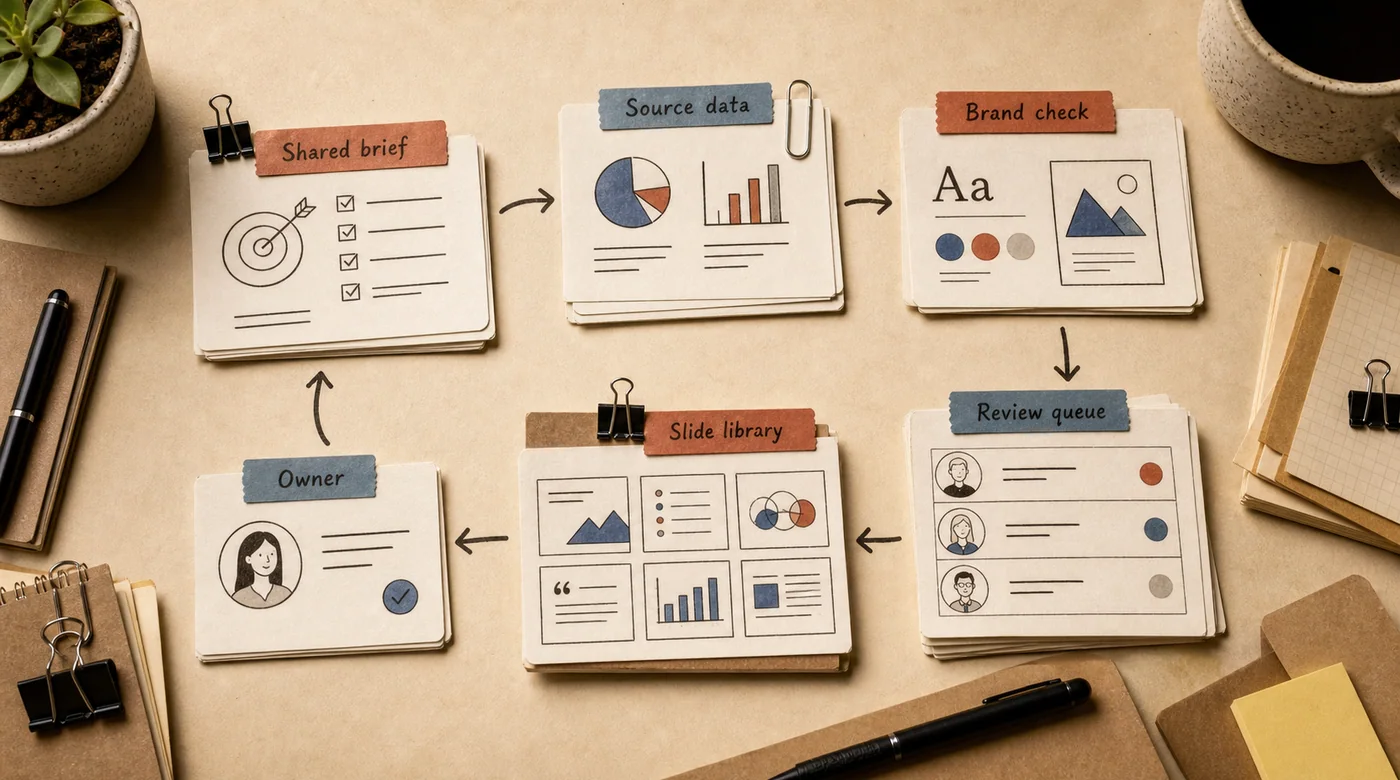
The bigger opportunity is connecting draft generation to systems that already hold the numbers. With a working GPT integration into internal tools, a sales rep can get a proposal draft pre-filled with the actual deal figures from the CRM instead of a blank template. At that point it stops being a standalone presentation tool and becomes part of a broader AI agent for the sales team that assembles documents automatically, similar to the pattern in AI CRM integration.
Teams evaluating AI tools more broadly may also find it useful to read AI for business before standardizing on any single vendor.
FAQ
Which AI presentation tool produces the best-written slides?
It depends on what "best" means for the deck. Gamma and ChatGPT both write serviceable copy quickly; Beautiful.ai is weaker at writing from scratch but stronger at keeping the layout consistent once the copy exists. None of them should be trusted to write the final version of anything that goes to a client without a human pass.
Can I hand an AI-generated deck straight to a customer?
Use it as a draft, not a deliverable. Check the numbers, confirm nothing was invented, and adjust the emphasis for that specific audience. The model doesn't know what actually matters to the person in the room.
Is it safe to put company data into these tools?
Depends on the tier. Free tiers of many tools can use submitted content to train their models. For anything confidential, use an enterprise tier with an explicit no-training commitment, or keep the AI-generated part limited to generic structure and add real figures manually afterward.
Should a company standardize on one AI presentation tool?
Only if most decks share a similar shape. A sales team producing near-identical proposals benefits from one tool with a locked template. A company with wildly different deck types — board updates, client pitches, internal training — usually gets more value from training people to use whichever tool fits the task than from forcing one tool on everyone.
If a team builds decks every week, it's worth teaching everyone to use these tools well once, rather than letting each person rediscover the same limitations through trial and error.