In short
AI already takes a real share of routine off an accountant's desk. It drafts client emails, turns scanned invoices into a clean table, compares a supplier statement against your ledger, codes bank lines, writes spreadsheet formulas and produces first drafts of explanations and memos. Posting journals, computing tax, signing and filing stay with a person. Models are wrong with confidence, and nobody can hand them responsibility for the numbers.
Almost all of that runs in an ordinary chat in ChatGPT or Claude, with no developer and no change to your accounting software. An agent comes later, when the same work repeats every day across dozens of clients: collect documents from email and messaging apps, match them against the ledger, prepare drafts, and list what is missing.
This article is about the accountant's own tasks. If you run a finance team and care more about month-end close and forecasting, read AI for finance professionals.
The example throughout is a five-person bookkeeping and tax practice serving about sixty small businesses. Each client has its own ledger in a cloud accounting package, receipts arrive by email, by phone photo and in a shoebox at quarter end, and the practice lead, Maria, reviews everything before it is filed. The firm is made up; its month is not.
What AI does well for accountants
| Task | Where to do it | What the accountant checks |
|---|---|---|
| Email asking a client for missing documents | Chat | The list and the deadline |
| Scanned invoice or receipt into a table | Chat or the ledger's capture tool | Amounts, tax, supplier details |
| Supplier statement against your ledger | Chat with two exports | Every flagged line |
| Coding bank statement lines | Chat | Uncertain lines |
| Tax and accounting research | Chat, with citations required | The cited rule itself |
| Draft reply to a tax authority letter | Chat | Every figure and phrase |
| Spreadsheet formula or macro | Chat | Result on a known example |
| The same tasks daily across many clients | Agent | Drafts and the exception list |
Client emails
The fastest win. Maria writes the same messages every month: send October's bank statement, we are missing the lease invoice, these three receipts are unreadable. A model writes them in seconds in the right tone from a list she pastes in. She checks that nothing was invented or mixed up between clients.
From scan to table
A client sends twenty phone photos of invoices. The model pulls out supplier, date, invoice number, net, tax and total into a table you can reconcile. It is good on clean PDFs and weaker on crumpled receipts and handwritten corrections, where digits get misread. Spot-check line amounts against the image and check every total.
Most cloud ledgers now ship their own capture tools that do this inside the software. Use them where they cover your documents; the chat is for everything that does not fit.
Supplier statements and reconciliations
A supplier says you owe 4,180 more than your ledger shows. Export the supplier's account from your ledger, upload it with their statement, and ask the model to list lines that appear on only one side and lines that match on reference but differ on amount. The missing credit note or the payment allocated to the wrong invoice turns up in minutes instead of an hour of ticking. Every flagged line still gets checked in the ledger.
Tax research: only with a citation
Tax rules change every year, and sometimes all at once: Kazakhstan, for instance, replaced its whole Tax Code on January 1, 2026, with new article numbers, rates and thresholds. A model trained on older text will happily quote the old rule. ICAEW's generative AI guide makes the same point: many of these tools cannot draw on the latest legislative developments, and their output needs the scrutiny you would give a junior's work.
The working rule: ask for the section number and a quote, then open the source yourself. Better still, upload the current text of the relevant guidance and ask questions against it, so the model answers from the document rather than from memory.
Drafts, memos and formulas
A draft reply to a tax authority query, an engagement letter update, an accounting policy note, a lookup formula to match two registers, a macro that splits a statement by month. The model drafts, the accountant edits. Figures come from the ledger, typed by a person, never from the model's memory.
Prompts accountants can reuse
Below is the list of documents missing for this client for October 2026.
Write a short, polite email to the owner. List the documents as bullets,
ask for them by November 5, and add nothing that is not on the list.

[list from the tracker]
Attached: the supplier's statement and our ledger account for this supplier for 2026.
Match transactions by date, amount and reference.
Return a table of: lines only on their side; lines only on ours;
lines with the same reference but a different amount.
Do not estimate or fill gaps. Mark any match you are unsure about.
Question about [jurisdiction] tax rules in force for the 2026 tax year: [question].
Answer with the exact section and paragraph and quote the text.
If you are not sure the rule is current for 2026, say so.
Do not answer from memory of earlier versions.
What not to hand to AI
- The final tax figure. A model can check the logic and spot errors; the ledger computes the number and the accountant signs it off.
- Unreviewed journals. It will propose postings, sometimes wrong for your client's policies.
- Signing, filing and paying. No agent should hold credentials for e-filing, digital signatures or bank payments.
- Any answer without a source. If the model cannot show where a number or rule came from, there is no answer.
What data you can put into ChatGPT or Claude
Accounting files are full of personal data: employee IDs, salaries, home addresses, card numbers. Strip or replace them before upload. A supplier reconciliation never needs payroll.
The plan you use matters. By default, OpenAI does not train on data sent through its API, and Anthropic does not train on inputs from its commercial products such as Claude for Work and the API. Personal free plans work differently, and you need to check the data setting yourself. A practice holding sixty clients' records should use a team plan and write down what may be uploaded and in what form.
When you need an agent
Chat works while each task is a one-off. By spring Maria's team noticed the same loop running every month for every client:
- pull documents from email, messaging apps and shared folders;
- extract them into a table and see what is missing;
- match them to bank lines and to what is already posted;
- email the client about the gaps;
- prepare draft entries for review.
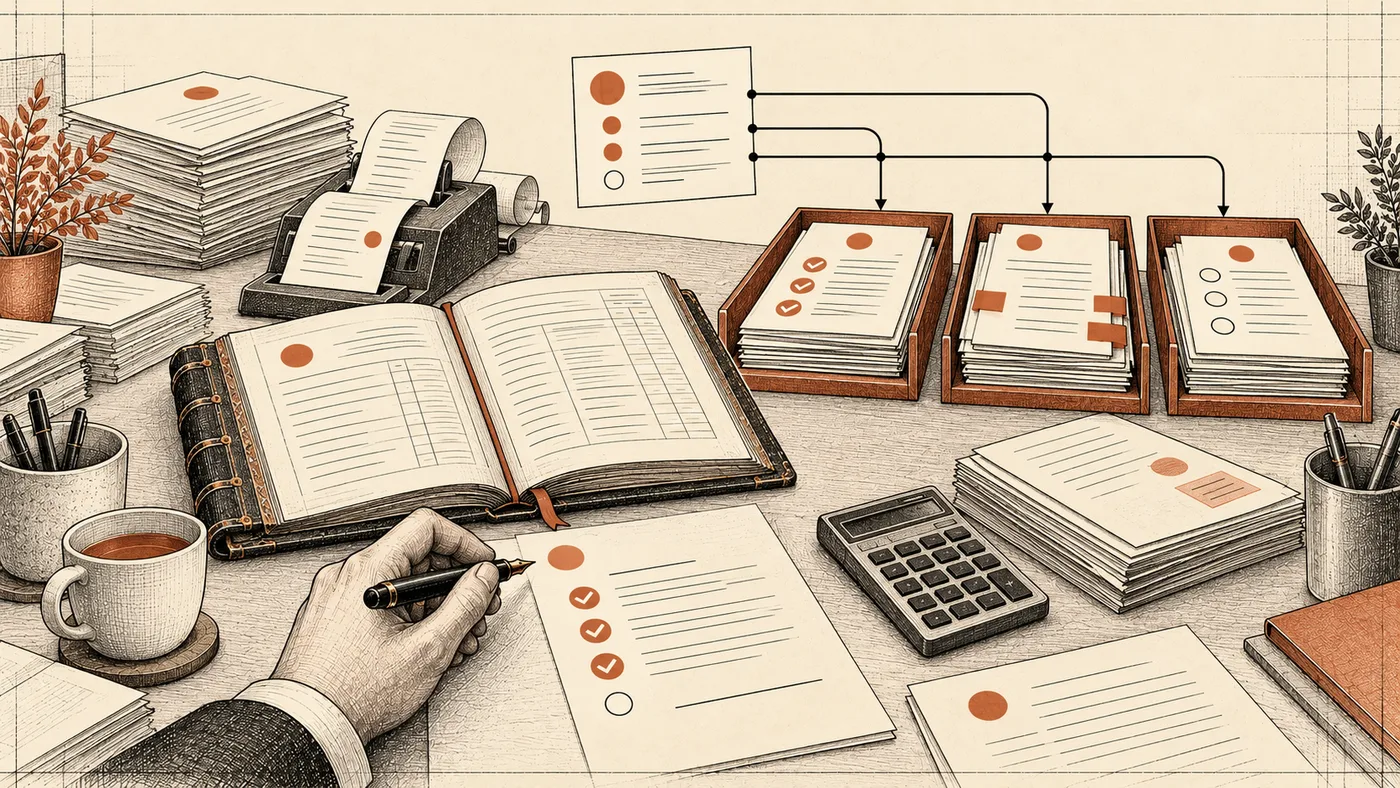
Doing that in a chat means sixty rounds of uploading files and copying answers. This is where an agent fits: a program that collects the documents itself, extracts and matches them against ledger and bank exports, drafts entries and emails, and puts everything in a review queue. In the morning the accountant sees three trays: ready to post, discrepancies, questions for the client.
The line stays where it was. The agent reads and drafts; it does not post or file. Writes into the ledger happen only after a person approves, and every action is logged. We describe how an agent checks documents against rules in how an AI agent checks documents, and we build such systems as part of GPT integration with accounting, CRM and messaging tools.
How accountants learn this
Pick one task that repeats every week, such as client emails or statement reconciliations. Do it with AI for two weeks and note every mistake. After a month you will have your own prompt set and a clear sense of what the model can be trusted with.
To learn on your own, see our AI courses. To train a whole accounting or finance team on its own files and tasks, see corporate AI training; one example is our AI seminar for Kazatomprom finance directors.
FAQ
No. It replaces parts of the routine: typing emails, keying data from scans, line-by-line matching. Judgement, policy choices, dealing with the tax authority and signing off stay with the accountant. An accountant who works well with AI can serve more clients.
For text, tables and reconciliations, ChatGPT and Claude both work. Test them on one of your real tasks, such as a supplier statement, and keep the one that makes fewer mistakes. For invoice capture, start with the tool built into your ledger.
Yes, after removing what is not needed: card numbers, personal names in payment references, employee details. Use a business plan where data is not used for training by default.
Only after checking the cited rule in the current version of the law or guidance. Ask for the section and a quote every time.
Sources
- ICAEW, Generative AI Guide: Ethics, 2026. Generative AI tools may miss recent legislative changes and their output needs review.
- Republic of Kazakhstan, Tax Code, Law No. 214-VIII of July 18, 2025, Adilet legal database. The new code in force from January 1, 2026.
- OpenAI, Data controls in the OpenAI platform, 2026. API data is not used for training by default.
- Anthropic, Is my data used for model training?, August 18, 2026. Commercial product data is not used for training by default.