In short
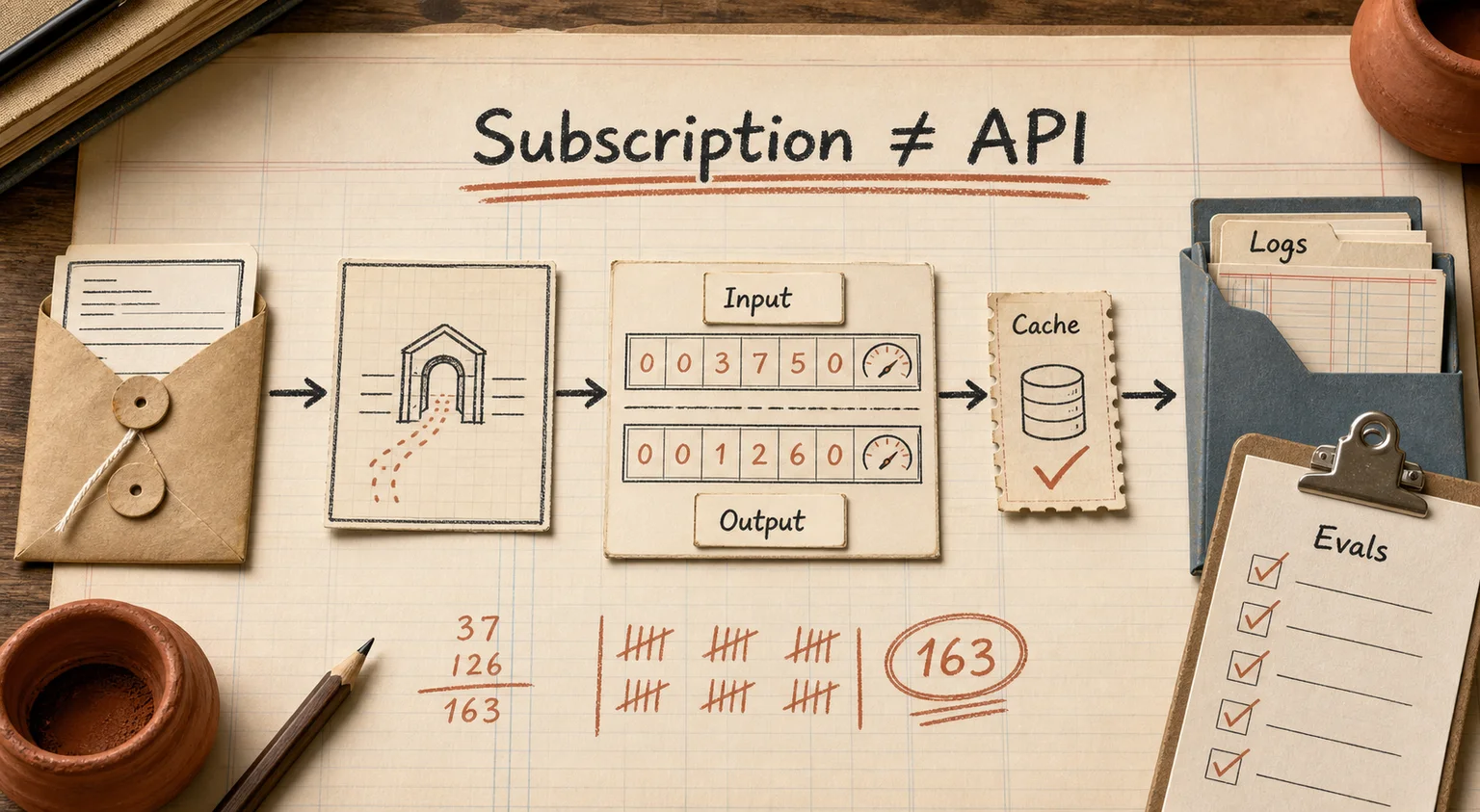
ChatGPT API pricing is not the same product as a ChatGPT subscription, and mixing the two up is the single most common billing mistake teams make. ChatGPT personal, Business, or Enterprise plans get people a chat interface. The API is a separate, pay-as-you-go product that a developer calls from code to put a model inside a support tool, a CRM, an internal search bar, or a product feature. Paying for ChatGPT does not unlock a single API token, and vice versa — the two run on different billing accounts entirely.
As of July 2026, the current model lineup is GPT-5.4, GPT-5.5, and lighter variants like GPT-5.4-mini. Below: what these actually cost per request, how API pricing compares to a flat subscription for business use, and where teams commonly waste budget or ship something that quietly breaks in production.
API vs. subscription: two different products
A ChatGPT subscription is an interface. A person logs into chatgpt.com or the app, types a question, gets an answer. It is built for one human at a time and has no direct hook into your ticketing system, your product database, or your website.
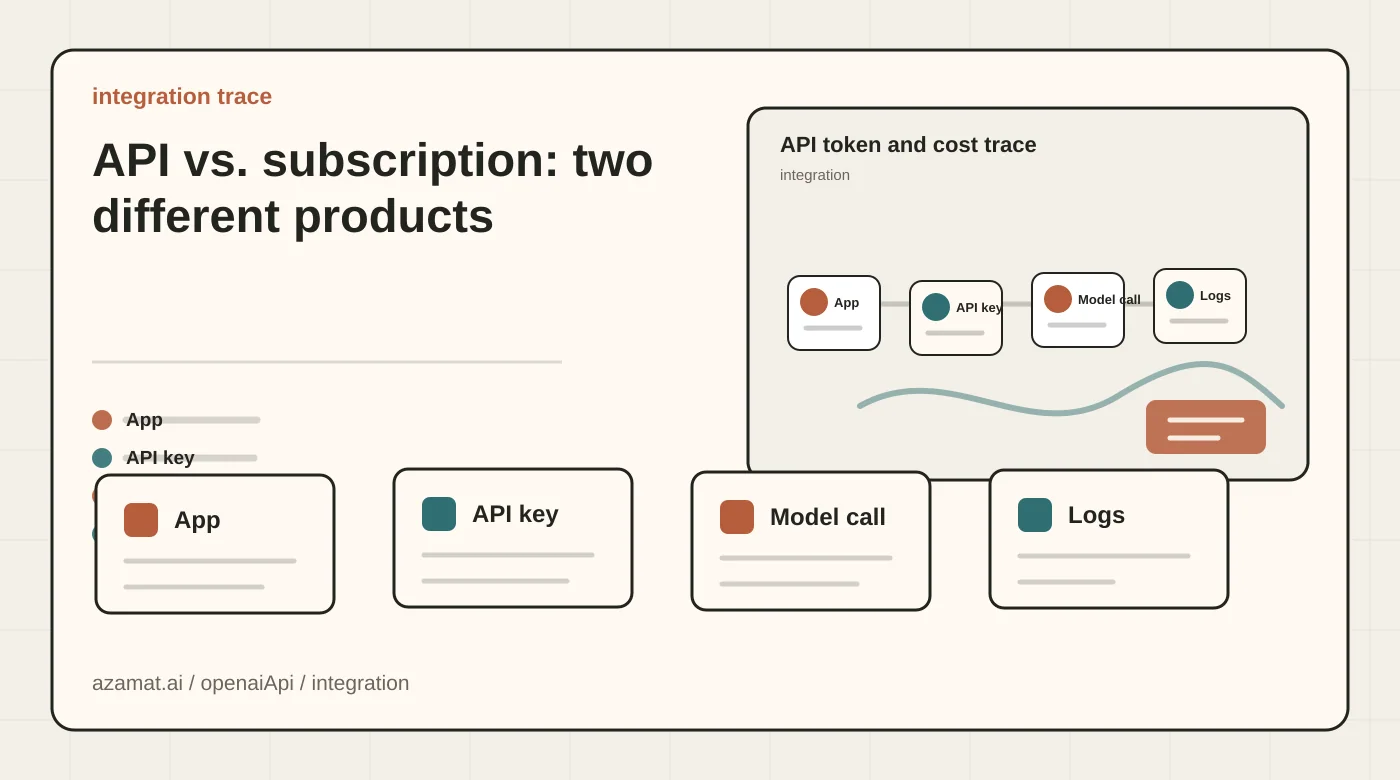
The API is programmatic access. Your backend sends a request with a model name, an API key, and some text, and gets a structured response back — no browser involved. That response can be dropped into an order confirmation, a support ticket summary, a Slack message, or a field in your product. There is no "one person" limit; a single integration can fire hundreds of calls a minute across your whole system.
The confusion usually shows up in one specific spot: a company buys ChatGPT Enterprise seats for the team and assumes that budget line also covers whatever the engineering team is building. It does not. Enterprise gets you SSO, admin controls, and a better chat interface for staff. Building a feature on top of GPT still needs a separate API key, billed by tokens, on its own account.
What the ChatGPT API actually costs in 2026
Pricing is per model, quoted per 1 million tokens, and split between input (what you send) and output (what the model generates) — output is consistently the more expensive side. According to the official OpenAI API pricing page, standard short-context rates in July 2026 are:
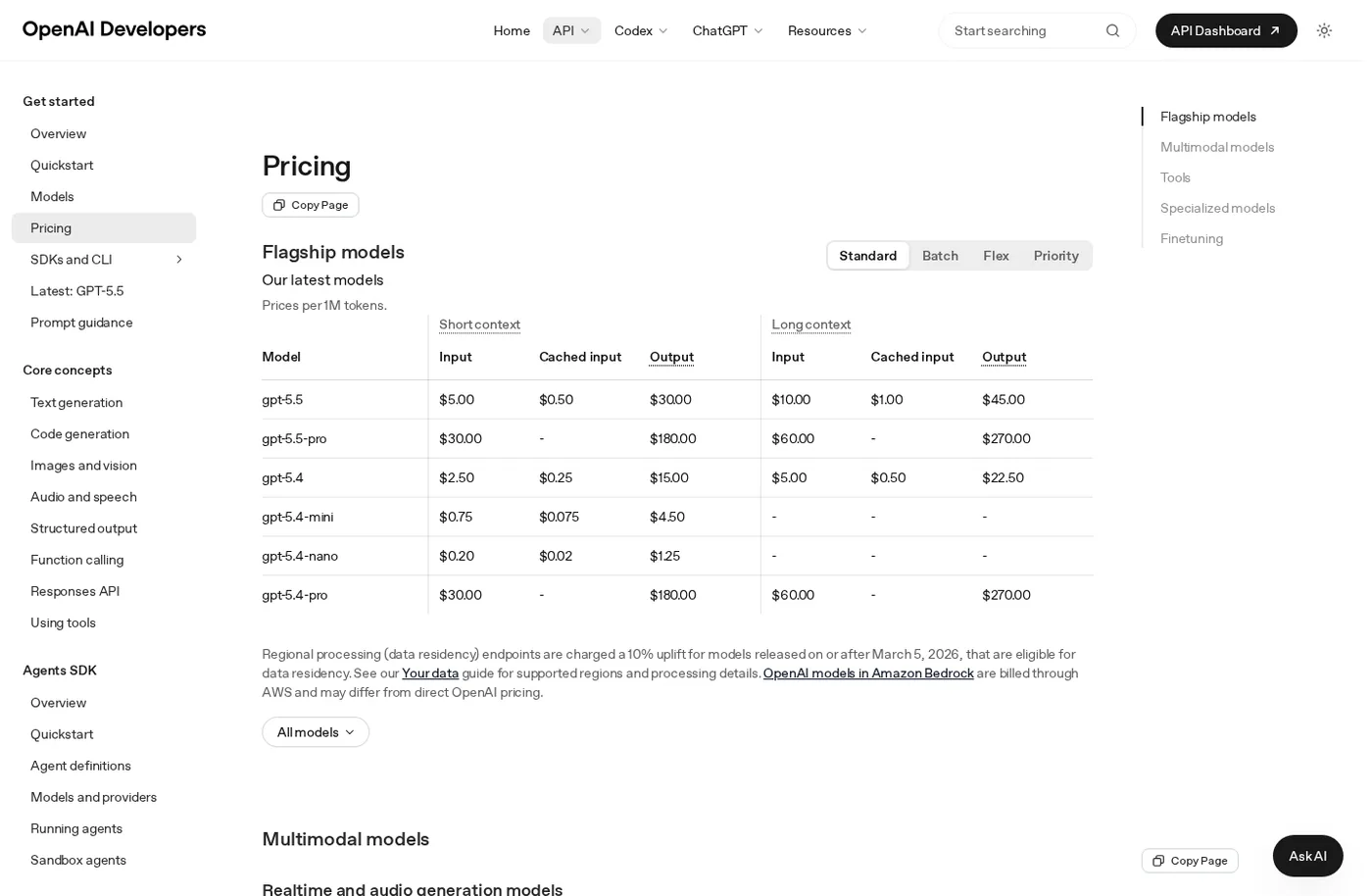
Source: the official OpenAI API Pricing page, public page captured in July 2026.
- GPT-5.5 (flagship, complex reasoning) — $5 per 1M input tokens, $30 per 1M output tokens.
- GPT-5.4 (the workhorse for most product use cases) — $2.50 input, $15 output per 1M tokens.
- GPT-5.4-mini — $0.75 input and $4.50 output per 1M tokens.
- GPT-5.4-nano — $0.20 input and $1.25 output per 1M tokens, built for classification, short replies, and background jobs.
A token is roughly four characters of English text. This matters more than it sounds like it should: for the same underlying meaning, prompts in languages with denser tokenization (many non-Latin scripts, for instance) can cost noticeably more per request than the English equivalent. If your product serves multiple languages, that difference belongs in the unit economics spreadsheet, not as an afterthought after the first invoice.
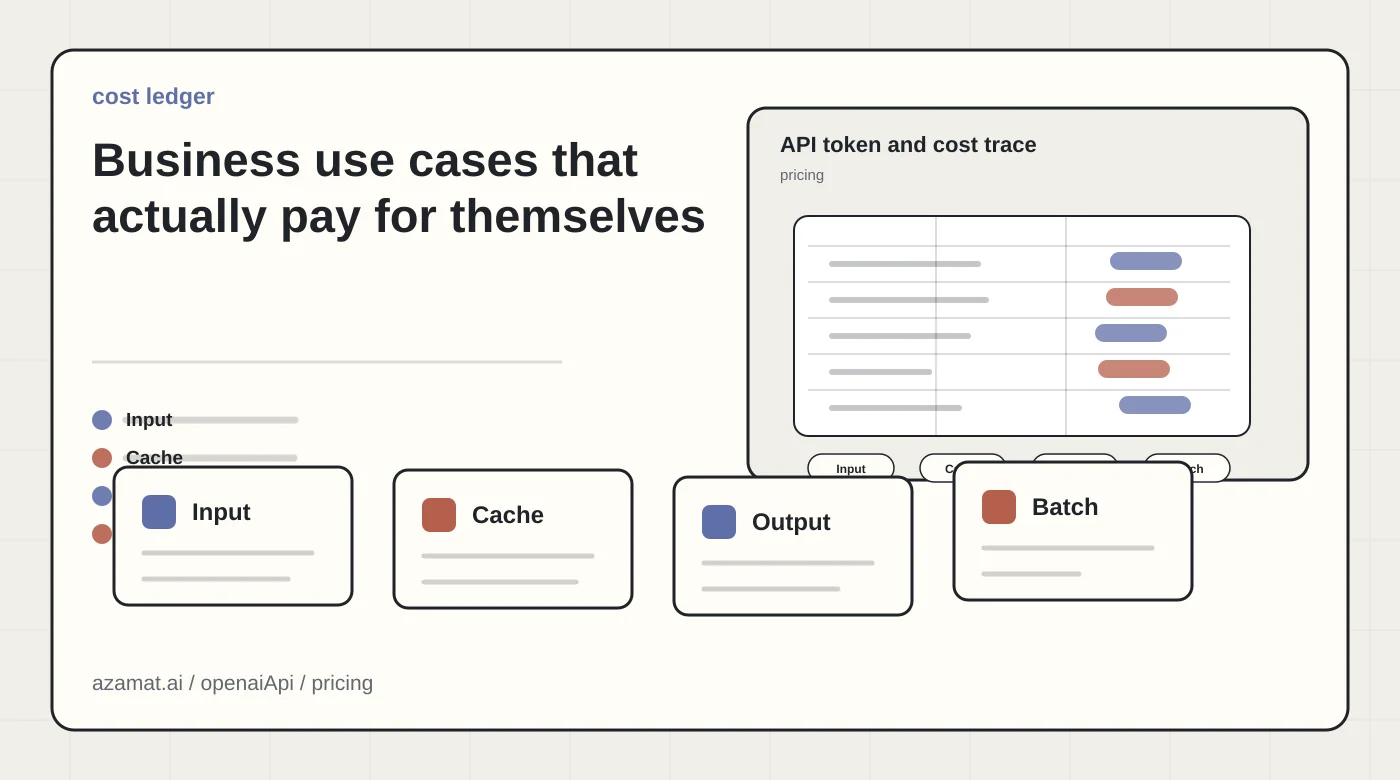
Two levers cut the bill without touching output quality. Prompt caching — for the repeated part of a request, like a system prompt or a knowledge base excerpt that doesn't change between calls — makes cached input roughly 10x cheaper. Batch API and Flex processing cut cost roughly in half for work that does not need a live answer: overnight ticket categorization, bulk document processing, nightly report generation. Data-residency endpoints for newer eligible models can carry an uplift, so that belongs in the pilot budget before legal signs off.
Data residency is the other line item that shows up late. API and enterprise ChatGPT data is not used to train OpenAI models by default, and a Data Processing Agreement is available for companies that need one. OpenAI also offers regional processing for supported models and regions; for eligible models released on or after March 5, 2026, those endpoints can cost more than standard processing. That decision belongs in procurement before the pilot starts, not after legal asks where the data lives.
Business use cases that actually pay for themselves
Not every "we could add AI here" idea is worth the token bill. The cases that pay off share one trait: there's already a large volume of text, and a human is currently reading it one item at a time.
Support ticket triage. Classifying a ticket, pulling out the actual complaint, and drafting a first-pass reply for an agent to edit is cheap work for GPT-5.4-mini and saves minutes per ticket. At call-center or helpdesk volume, that adds up fast — and the model choice matters more here than almost anywhere else, because a flagship model on simple classification is money left on the table.
Customer-facing chat inside a product. The API rarely talks to a customer directly with nothing else around it. A working setup is an orchestration layer: the message comes in, the system decides what context it needs from the CRM or knowledge base, builds the request, checks the response, and only then replies. Skip that layer and the bot answers fluently while having no idea what's actually in stock or what a customer's order status is. The AI CRM project is a working example of that pattern: the model doesn't just reply, it reads and updates the customer record.
Document and policy search. Answering questions against contracts, internal policy, or a knowledge base works better through retrieval than by trying to stuff every document into one prompt. The cost here is less about model tokens and more about the search infrastructure — worth planning for separately once the document set grows past what fits in a single context window.
Internal assistants for specialist teams. Legal, finance, and HR staff get a draft answer or document instead of digging through folders and old email threads. The question to settle before rollout is which data the model can see and which it can't — this is a real financial risk around leaking commercially sensitive material, not just a compliance checkbox.
Structured extraction and content generation. Turning scanned invoices into JSON fields, generating product descriptions at scale, parsing resumes into structured data. These work well specifically because the output format is well-defined and can be validated automatically, rather than needing a human to read every result.
If the job is a one-off — a single document rewrite, an occasional research question — a subscription is faster and cheaper than building an integration. The API earns its cost at volume.
Common integration mistakes
Assuming a subscription covers API usage. Worth repeating because it's the most common support ticket OpenAI gets: ChatGPT Plus or Business does not include API tokens. A separate account with its own billing needs to be set up under API settings.
Committing an API key to a public repository. A key pushed to GitHub typically gets found and used within hours, not days. Keys belong in environment variables or a secrets manager, never in a config file that gets committed alongside the rest of the code.
Defaulting to the flagship model everywhere. A team spins up a pilot on GPT-5.5 because it's the newest and most capable, then gets an invoice several times larger than expected a month later. Most product tasks — classification, short replies, structured extraction — run fine on a mini-tier model. Reserve the expensive model for genuinely hard reasoning over long context.
No retry logic or queueing for rate limits. The API caps requests per minute based on account usage tier. If the integration falls over or surfaces a raw error to the end user the first time a request gets throttled, instead of retrying after a short delay, that's an evening of engineering work that somehow rarely gets done before the first real outage.
Skipping evaluation before launch. A demo that looks great on five clean test prompts can fail badly on real user input — typos, mixed languages, short fragmented replies, voice-transcription artifacts. Before shipping anything customer-facing, run it through proper evals for AI projects rather than trusting that the model will "figure it out" on its own.
Building RAG without a retrieval architecture. Teams often try to paste an entire document set into the system prompt, hit the context limit or a runaway bill, and conclude "AI doesn't work with large knowledge bases." The actual gap is usually a missing retrieval layer — see how RAG works and why vector embeddings alone aren't enough before hitting that wall rather than after.
No logging of requests and responses. Three months in, nobody can explain why the bot quoted a customer the wrong price. Logs should capture what was asked, what the model returned, what context was injected, and who — if anyone — reviewed the output.
Running a pilot without overcommitting
Don't wire the API into every channel at once. A reasonable sequence looks like the one in running an AI pilot in 30 days: pick one narrow workflow with a known volume — ticket triage for one queue, or draft replies for one support channel. Measure how long the manual version currently takes. Wire up a cheap model through the API and compare quality and speed side by side. After two to three weeks, add up the actual token bill and set it against the time saved.
Decide early where a human stays in the loop. The model can draft a reply, suggest a ticket category, or extract fields from a document, but decisions that touch money, contracts, or a customer rejection are safer left with a person until the system has a track record without serious errors.
If nobody on the team wants to own rate limits, key rotation, and logging, building this in-house often turns into months of infrastructure work instead of a shipped feature. In that case, it's usually faster to bring in a team that has already built GPT integrations into business workflows — from picking the right model for the budget to handling retries and logging from day one.
FAQ
What's the difference between ChatGPT and the ChatGPT API?
ChatGPT is a ready-made interface for a person. The API is programmatic access for a developer to call from code. A ChatGPT subscription does not include API tokens — API usage is billed separately, by the token, not as a flat monthly fee.
How much does it cost to connect the ChatGPT API to a bot?
Development cost depends on the bot's complexity, but token costs at moderate volume — a few hundred conversations a day on a lower-cost model — typically land between $20 and $100 a month. Costs climb fast if a flagship model handles simple tasks or nothing gets cached.
Can a non-developer use the API?
Not directly — integration requires code. But many no-code platforms and bot builders now wrap the API behind a configuration UI. The trade-off between a bot builder and a custom AI agent usually comes down to flexibility, and where that ceiling shows up six months into growth.
Which model should a team start with?
For most tasks — classification, short replies, structured extraction — a mini-tier model is enough. Reach for the flagship model only where the task genuinely needs complex reasoning over a long context: contract analysis, ambiguous edge cases, multi-step planning.
If there's already a backlog of manual text work — tickets, documents, intake forms — and the volume is roughly known, the next useful step isn't reading OpenAI's full docs end to end. It's a scoped pilot on one workflow, with real token costs and time saved measured side by side.