In short
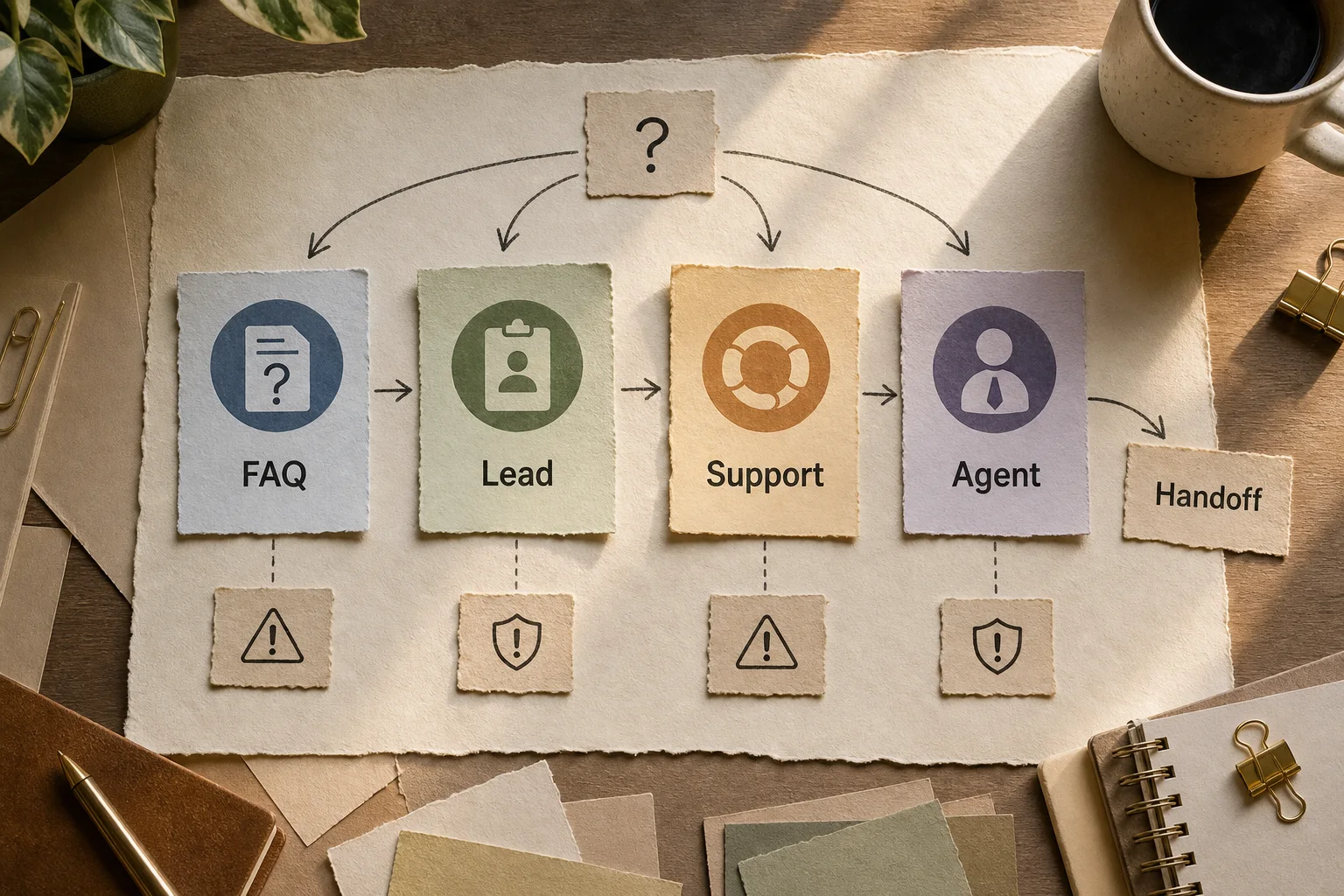
Chatbots for business are programs that hold a conversation with a customer instead of an agent: they answer questions, show a catalog, book a slot, take an order, send a payment link. That is the whole job. The hard part is not the conversation. It is wiring the bot into the systems that hold the real answers.
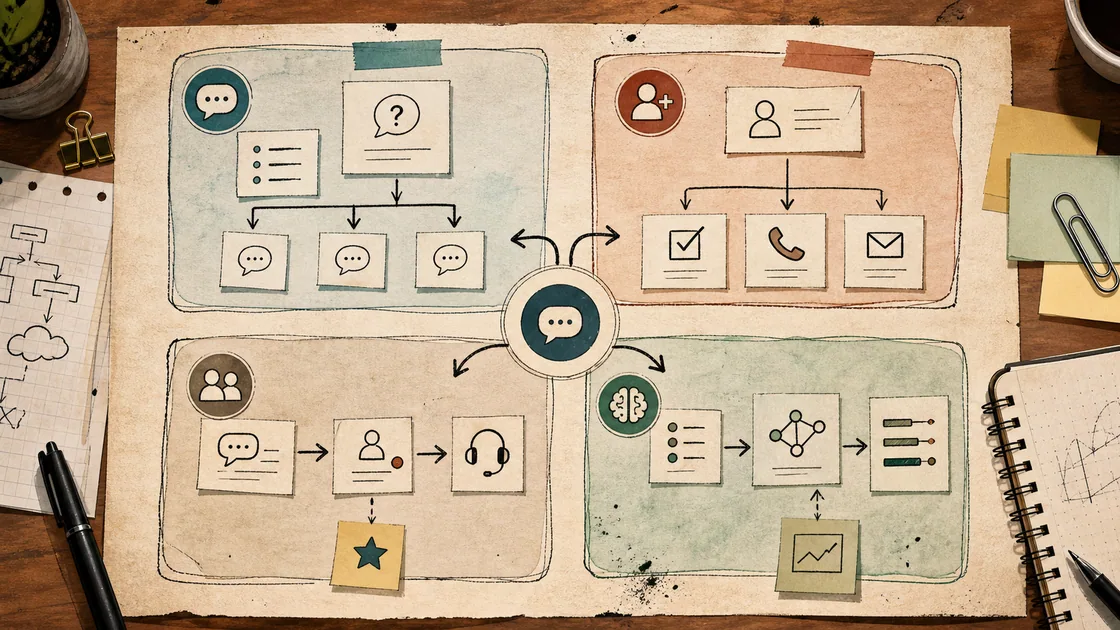
There are three kinds worth knowing: rule-based (buttons and scripts), AI (understands free text), and hybrid (scripts plus AI where it earns its place). This guide covers how they differ in practice, what real examples look like by industry, what they cost, and where they break. One thing up front: most failed chatbot projects I have seen did not fail on the model. They failed because the bot answered fluently but was never connected to the order system, the CRM, or the payment flow — so it stayed a good-looking dead end.
What a chatbot is, and what it is not
A chatbot is a conversational interface sitting on top of your processes. A customer writes, the bot works out what they need, and either resolves it or routes to a human. No magic.
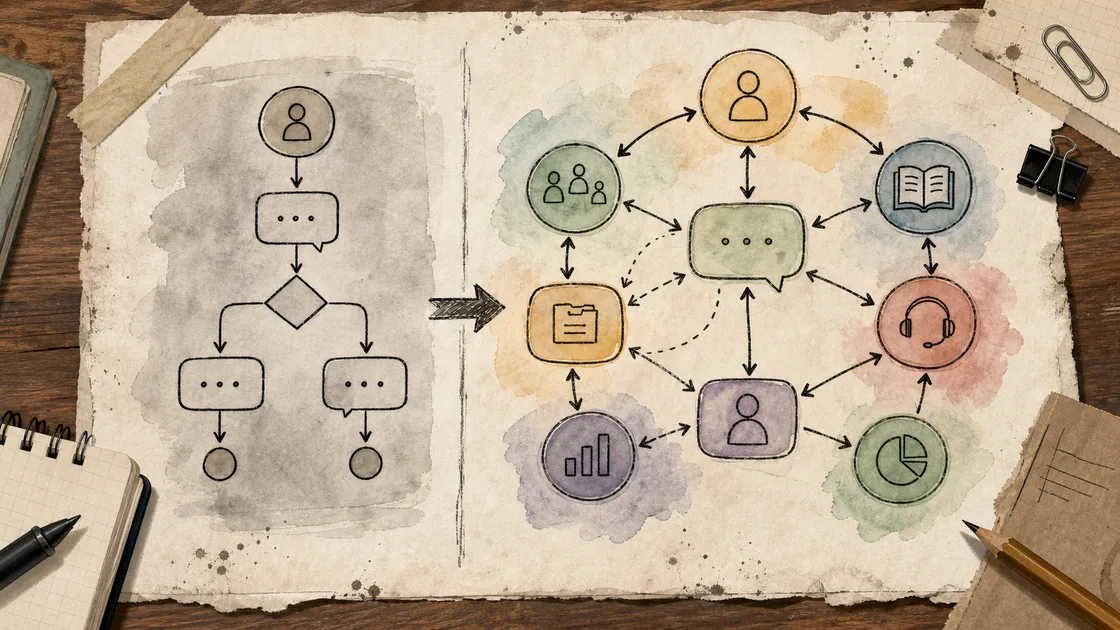
The word that gets abused is "AI agent." A chatbot answers. An AI agent does work: it cancels the order, files the ticket, updates the record, checks stock — read-write into your systems, not just talk. Vendors blur this line on purpose because "agent" sells for more. For you the test is simple. If the job is "answer common questions and book appointments," a bot is enough. If it is "process the refund and update the record without a human touching it," that is an agent, and it needs tighter controls.
Types of chatbots
Rule-based bots
These run on a decision tree: button leads to answer, keyword triggers a script. Every step is defined in advance. As long as the customer stays on the path, they are excellent — check store hours, track an order, book a haircut, pick from a menu.
Upside: cheap, predictable, never invents anything. Downside: one step off the script and it is lost. A customer types "can I do tomorrow after three but not downtown" and there is no button for that. Rule-based bots are the right tool when journeys are genuinely predictable and narrow. They are the wrong tool when customers phrase things freely.
AI bots
Under the hood is a language model, the same class as GPT or Claude. The bot understands a question however it is worded, holds the thread of a conversation, and answers in its own words. Customers type the way they think, no buttons required.
That flexibility brings the opposite problem: the model can make things up. Ask about delivery to a city that is not in your table and an ungrounded bot will confidently invent a timeframe. This is why you cannot just switch an AI bot on. Its answers have to be grounded in your data through retrieval over approved content instead of letting it answer from memory.
Hybrid bots
The compromise most teams actually land on. Common, well-understood questions run on scripts — fast, zero risk. Anything outside the known patterns goes to AI, or straight to a human. For a small business this is the sensible entry point: you do not pay for a large AI layer where five buttons do the job, but you also do not abandon the customer the moment they ask something real.
My practical advice: almost everyone should start hybrid. Pure scripts frustrate customers; pure AI unnerves the owner with unpredictable answers and token bills. Hybrid gives you control and fluency at once.
Channels: where a bot actually belongs
Pick the channel by where your customers already are, not by what is fashionable.
Website widget. The classic corner chat. Works when you pay for traffic and want to catch a lead while the visitor is warm. Staffing it live around the clock is expensive, and many visitors just close the tab, so an AI-assisted widget that deflects the routine and escalates the rest earns its keep.
Messaging apps. WhatsApp, Messenger, Instagram DMs, and increasingly SMS and RCS. These win when the audience prefers to message a business the way they message a friend. WhatsApp in particular needs the WhatsApp Business API through a provider to run a bot at any scale — that is a paid channel with per-conversation charges, not a free number.
In-product and support. For SaaS and subscription businesses the bot lives inside the app or the help center, often layered onto Zendesk, Intercom, or a similar support stack, deflecting tier-one tickets before they reach an agent.
Chatbot examples by industry
"The bot answers customers" is abstract. Here is what it looks like in the field — what the bot actually does, and where a human stays in the loop.
E-commerce and retail. The customer messages, the bot surfaces the catalog, helps pick a size, assembles the order, and sends a checkout link. It plugs into Shopify or the order system, so the order lands where fulfillment can see it. An agent steps in only for edge cases: a return dispute, a bulk request, something non-standard.
Services and booking. Salon, clinic, garage. The bot shows open slots, books the appointment, and reminds the customer a day before. The reminder is the underrated part — it cuts no-shows, and a no-show in a service business is lost revenue you cannot recover. We built exactly this kind of timely-notification logic in Magnum notifications: not "have a chat," but get the right message to the right person at the right moment.
Hospitality and food. The bot takes table reservations and delivery orders and pushes them to the POS. Convenient for the guest, who skips the phone call, and clean for the restaurant, where the order arrives structured instead of dictated.
Customer support. The most common and fastest-paying use case: order status, "where is my refund," return policy, the recurring how-do-I questions. This is the 60–70% of tickets that repeat every day. For how to build it without hiding human accountability, see AI for support.
Marketplace sellers. A seller gets the same buyer questions and the same listing chores daily. We worked on this in SellerBox AI: the bot absorbs the repetitive volume so the seller spends attention on what actually needs a human.
What chatbots cost
Pricing splits three ways, and the ranges are wide, so take them by segment.
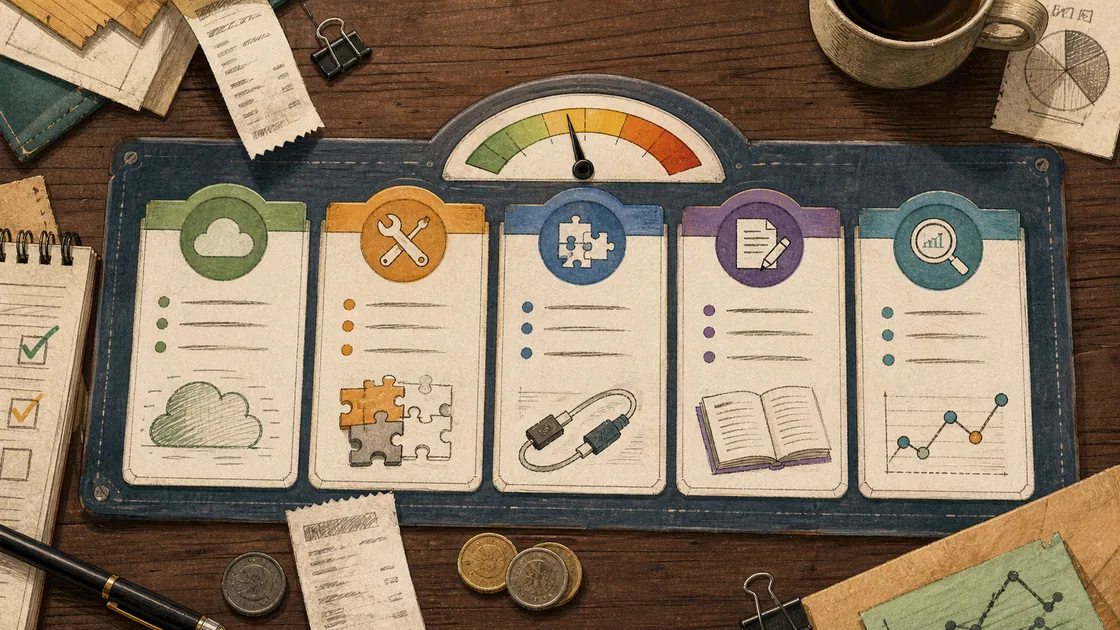
SaaS platforms. Build the bot yourself in a tool like Intercom, Tidio, or a similar builder. Subscriptions typically run from around $50 to $1,500 per month depending on volume and features. You launch in an afternoon; you also live inside the platform's limits.
Custom development. A basic rule-based bot for FAQs and order tracking commonly lands in the $5K–$30K range. An AI-backed bot with real NLP and integrations runs far higher — six figures is normal once the workflow is genuinely complex and compliance-heavy, especially in banking or healthcare.
Messaging surcharges. The WhatsApp Business API adds per-conversation fees on top of whatever you pay for the bot itself. Budget for the channel, not just the software.
The number that matters more than any of these: industry data puts the average cost of a bot interaction near $0.50 against roughly $6.00 for a human-handled one, and first-year programs commonly deflect around 40% of tier-one contacts. Those are medians, not promises — your number depends entirely on how well the bot is grounded and integrated.
Buy a builder or build custom
This is the fork almost everyone stumbles on. Short version: take a builder when the journey is simple and standard — book, answer common questions, capture a lead. Go custom when the bot has to reach into your systems, remember context, make decisions on your rules, and hold up under messy real-world input.
The trap is predictable. A business starts on a builder because it is cheap, hits the platform ceiling in six months, and rebuilds from scratch — now more expensive than if it had laid a proper foundation up front. That does not mean "custom for everyone." It means being honest about whether you will hit the wall. We break this decision down properly in bot builder vs custom AI agent, with the signals that tell you a builder has run out of room.
What breaks in production
A slick demo and a working bot are different animals. Here is where it tears.
The bot is not connected to systems. It answers questions but cannot see stock, order status, or open slots. A customer asks "is it in stock?" and the bot does not know. That is not a bot, that is an FAQ with buttons.
The AI invents. An ungrounded model makes up timeframes, prices, and terms in a confident voice. Before going live, run the scenarios through evals: deliberately feed the bot questions about things you do not offer and check whether it admits ignorance or hallucinates.
No clean handoff. The customer is frustrated and the bot loops them through the script. A good bot knows when to stop and bring in a human — carrying the full conversation context so the customer does not repeat everything from the top. This is often the most revealing test of whether a bot is actually production-ready.
No owner. A month after launch, prices change and new questions appear, but the bot still runs on stale data. If nobody owns updates, it quietly rots and starts annoying the people it was meant to help.
How to launch: pilot, not everything at once
Do not automate all your conversations in one go. Take one narrow flow and one channel.
First, collect real conversations for a couple of weeks and see which questions repeat most. Do not invent the script from your head — use what customers actually ask.
Then run the bot on those frequent questions in a single channel. Let it close the clear cases and hand everything else to a human, cleanly.
Then watch the metrics: share of contacts the bot resolved alone, how many it escalated correctly, how often a customer got angry, and time to first response. If the bot helps on the narrow slice, expand. If not, fix the script before you buy more features.
Knowing whether it worked
Measure business outcomes, not "the bot replied." Share of contacts resolved without a human. Time to first response. Orders and leads that came through the bot. No-shows prevented by reminders. And separately, complaints — if it got faster but customers are angrier, that is not a win.
Benchmarks help set expectations, but the only number that means anything is the one from your own logs after a real pilot. Vendor slides show the top quartile. You will get whatever your grounding, integrations, and handoff design earn you.
FAQ
What is the difference between a rule-based and an AI chatbot?
A rule-based bot follows buttons and scripts and gets lost the moment a request leaves the path. An AI bot understands free text and holds context but can hallucinate if it is not grounded in your data. In practice most teams pick a hybrid: scripts for the common cases, AI for the rest.
Which channel should I start with?
Start where your customers already message you. For consumer businesses that is usually a messaging app or a website widget; for SaaS it is inside the product or the help center. Do not add a channel just because a competitor has one.
How much does a chatbot cost?
SaaS builders run roughly $50–$1,500 per month. A basic custom rule-based bot is often $5K–$30K; an AI-backed bot with integrations runs into six figures. The conversation is the cheap part — integrations and hallucination controls are where the budget goes.
Can I build a bot myself?
A simple one, yes, in a builder in an afternoon. But once you need integrations, memory of the customer, and decisions on your own rules, self-assembly hits the platform ceiling. At that point it is cleaner to plan a proper GPT integration from the start.
Will a chatbot replace my agents?
No, and it should not. The bot takes the routine — repeat questions, booking, statuses. People stay on the complex, the disputed, and anything that needs accountability. The goal is not to cut the team but to free it for the work a bot cannot do.
If you want to start, do not start with "add AI." Start with one flow in one channel: take the frequent questions, ground the bot in your data, and build a clean path to a human. That is where the value shows up — not in the demo.