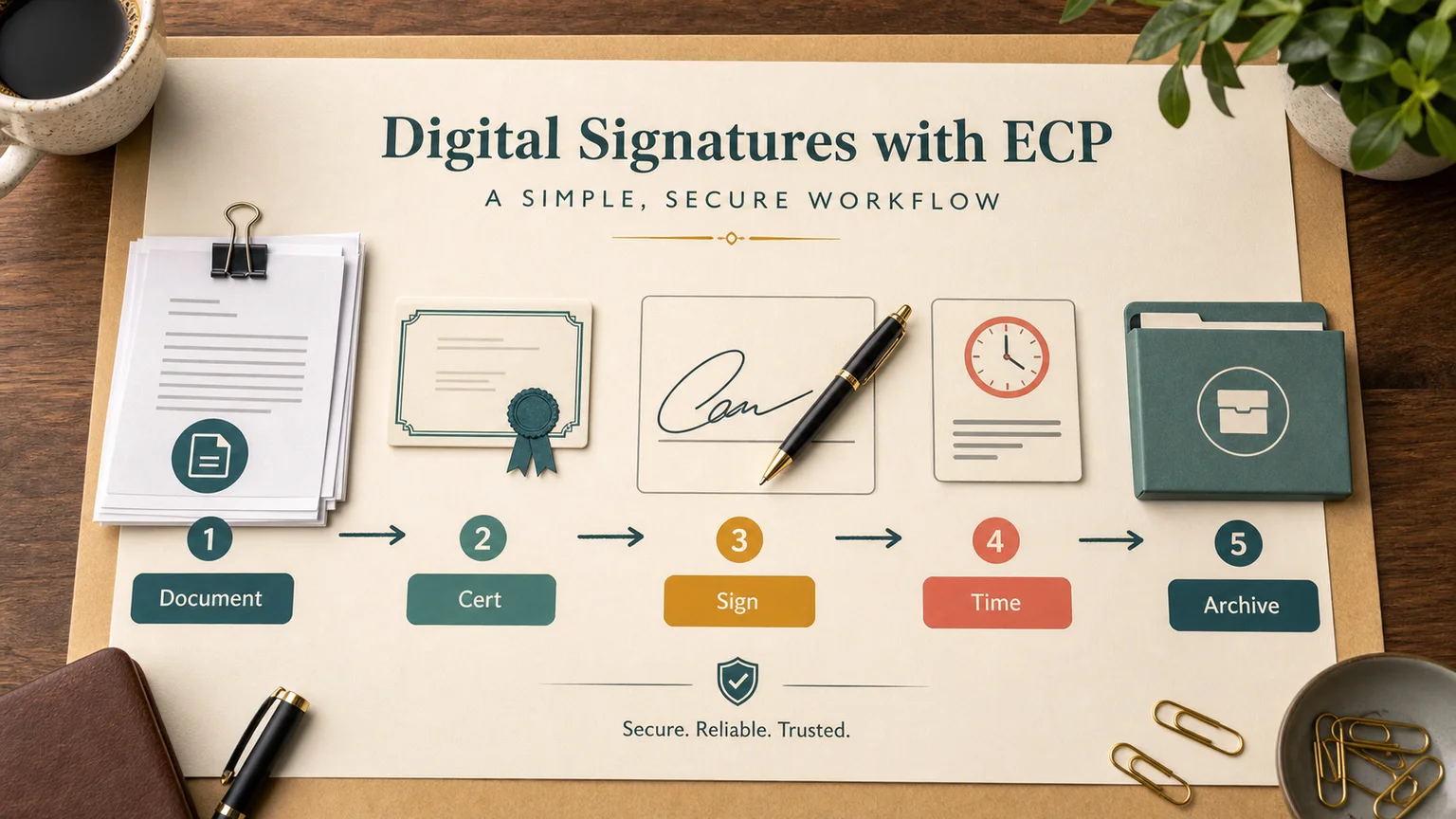
In short
There are four practical ways to digitally sign a document today: a browser-based signing platform like DocuSign or Adobe Sign, a desktop certificate client tied to a hardware token or smart card, a mobile app that signs with a key stored on the phone, and signing built directly into the system that generated the document — your CRM, accounting software, or contract tool. The legal weight of the signature depends less on which button you click and more on which signature tier you actually used: a basic click-to-sign, an advanced electronic signature, or a qualified one backed by a certificate from an accredited authority.
Most teams default to whatever their contract platform offers and never check which tier that is. That is fine for a sales order. It is not fine for a lease, a loan agreement, or anything a court might eventually look at. Below is how each signing method actually works, what breaks in practice, and how to stop treating signing as a manual step that someone has to remember to do.
Method 1: signature platforms (DocuSign, Adobe Sign, and similar)
This is the default for contracts, offer letters, NDAs, and vendor agreements in most companies. You upload a document, place signature fields, and send a link to each signer.
What you need:
- A document in PDF or Word — the platform converts it internally.
- Signer email addresses and, for anything beyond a basic signature, a way to verify identity (SMS code, ID upload, or knowledge-based authentication depending on the tier).
- A decision on signature tier upfront. Under eIDAS in the EU, only a Qualified Electronic Signature (QES) — one created with a certificate from a Qualified Trust Service Provider and a certified signing device — carries automatic legal equivalence to a handwritten signature across all member states. A standard click-to-sign is usually enough for internal approvals; it is not always enough for real estate, some HR documents, or notarized filings.
Steps:
- Upload the document and add signer fields — signature, date, initials, and any required text fields.
- Set the signing order if multiple parties need to sign in sequence.
- Send. Each signer gets an email with a secure link, opens the document, and applies their signature.
- The platform locks the document and generates a certificate of completion showing timestamps, IP addresses, and authentication method used.
Where this breaks in practice:
- Teams pick the default signature type without checking whether the document actually needs QES-level assurance, then find out during a dispute that the signature tier doesn't hold up the way they assumed.
- Signers on mobile miss the confirmation email because it lands in a spam or promotions folder — chase-up is still manual in most setups.
- Multi-party sequential signing stalls when one signer is out of office and nobody notices until someone asks where the contract is.
Method 2: desktop certificate clients
Government portals, banking systems, and regulated industries in many countries still rely on a certificate-based signing client that runs locally rather than in the browser. The certificate is either a file on disk or stored on a hardware token (a USB key or smart card), and the client talks to the browser through a local service.
- Install the signing client and make sure it's running in the background — most failures happen because the client isn't actually active when the browser tries to reach it.
- The website or portal calls the local client, which opens a key-selection dialog.
- Choose the correct certificate — many setups separate an authentication certificate from a signing certificate, and picking the wrong one is the single most common support ticket.
- Enter the certificate password or PIN and confirm.
Common failure points:
- Antivirus software or ad blockers quietly block the local port the signing client uses, so the browser reports "client not found" even though it's running.
- Certificate expired months ago and nobody renewed it because renewal isn't tied to any calendar reminder.
- The client works in one browser and not another — almost always a browser extension or security setting, not the certificate itself.
Method 3: mobile signing apps
Signing from a phone matters when the signer isn't at their desk or when the private key only exists on a mobile device. The usual flow is a QR code: the desktop shows a code, the phone app scans it, authenticates the user, and pushes the signature back to the browser session.
This pattern shows up across different ecosystems — banking apps, government ID apps in countries with national digital identity programs, and enterprise mobile signing tools. The mechanics stay the same even when the branding doesn't: scan, authenticate on the device, confirm, and the signature lands on the document without the private key ever leaving the phone.
Method 4: signing built into the source system
The most reliable long-term setup isn't a separate signing step at all — it's signing wired into whatever system produced the document. Contract management tools, accounting software, and HR platforms increasingly expose a signing API so the document is generated, routed, signed, and archived without anyone opening a separate tab.
This matters more than it sounds. A document that has to be exported, uploaded to a signing platform, and then re-imported somewhere else creates three points where a file can go missing, get the wrong version signed, or sit untouched because nobody owns the handoff.
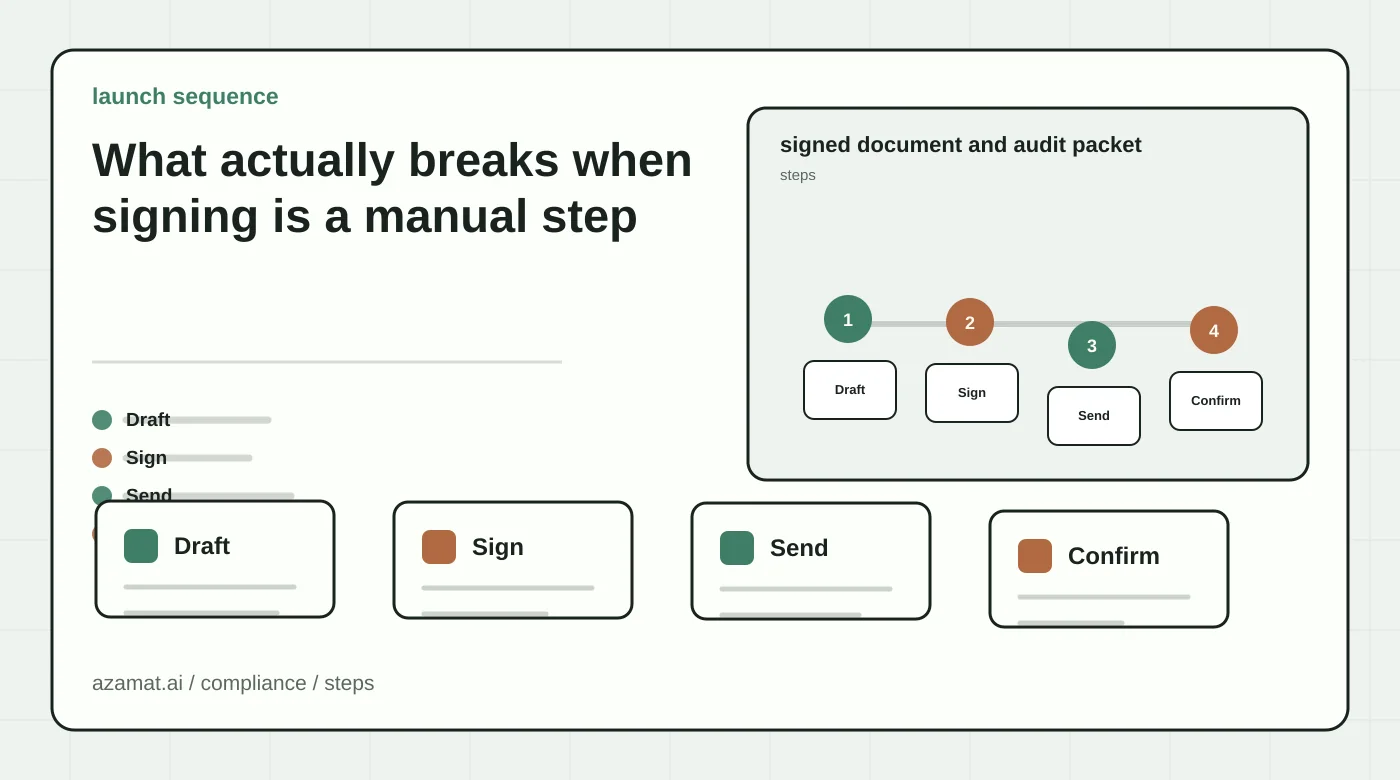
What actually breaks when signing is a manual step
If signing a document is a separate task someone has to remember to do, a few problems show up reliably once you start counting them:
- A signer confuses the authentication certificate with the signing certificate and burns twenty minutes reinstalling a client instead of just picking a different file.
- A contract sits unsigned for a week because the one person with access to the signing key is out and nobody has a backup path.
- Signed documents scatter across email threads and chat messages with no single system of record, which becomes a real problem the moment legal, finance, or an auditor needs to find one.
- Multi-location or multi-department companies end up with inconsistent practice: one office uses a proper signing platform, another prints and scans, a third has never signed anything electronically at all.
None of these get fixed by writing a better internal how-to guide. They get fixed by moving signing into the workflow where the document is already being created, instead of treating it as a side quest — the same logic behind choosing which business processes to automate with AI in the first place: start with the repetitive step people already dread, not the flashiest demo.
Where to wire this into a workflow
If signing is a step that repeats dozens of times a month — vendor contracts, offer letters, invoices, service agreements — it is worth building into the surrounding process instead of living as its own browser tab:
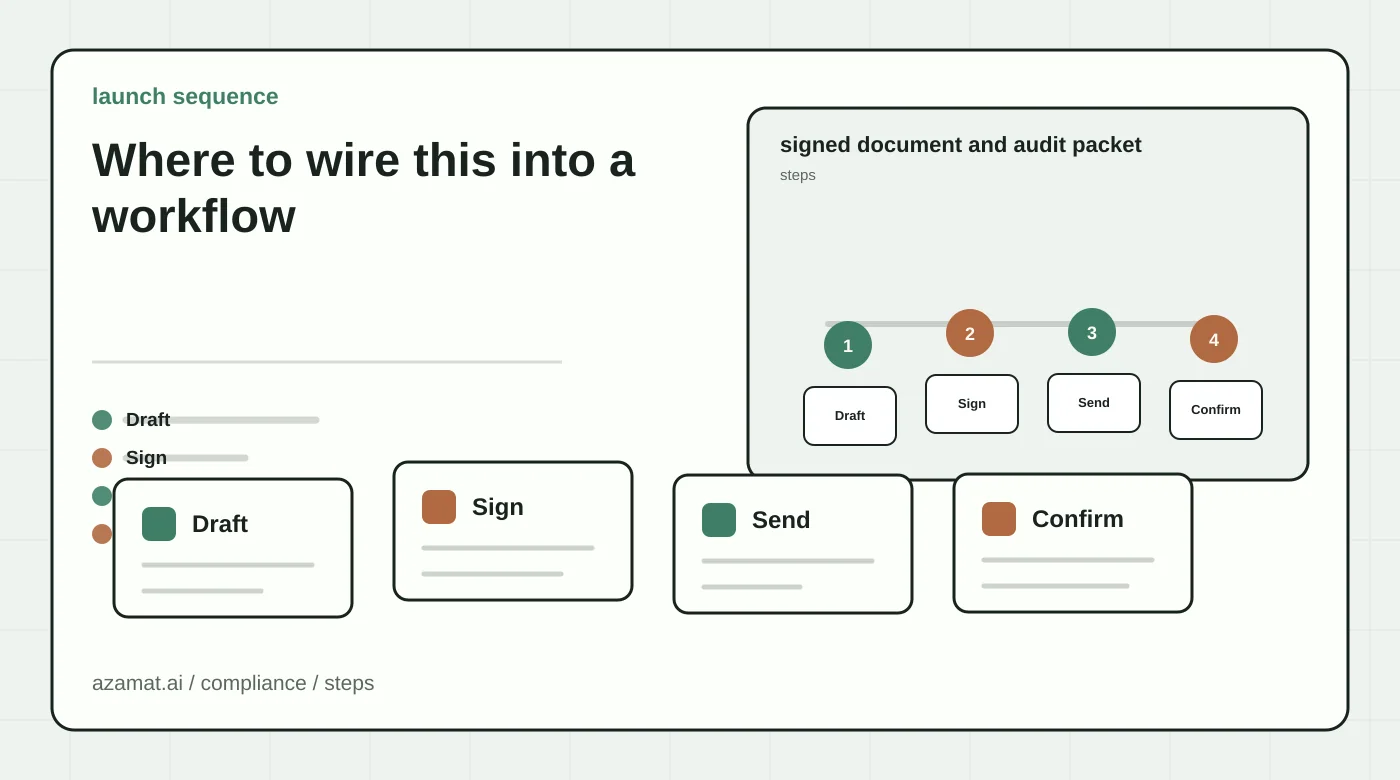
- The document generates automatically from a template and CRM or ERP data, already in the right format.
- The person responsible gets a direct signing link through Slack, email, or WhatsApp instead of hunting for the file.
- Once signed, the document files itself against the right deal, employee, or vendor record — no one has to remember where to save it.
- For multi-party signing, the system tracks who has signed and nudges whoever hasn't, instead of relying on someone checking manually.
We build this kind of workflow into an existing AI document assistant — not replacing the signing platform or certificate client, but removing the manual steps around it: assembling the file, finding the right signer, chasing signatures, and filing the result. This usually sits alongside a broader AI CRM integration, where the contract or invoice that needs a signature is generated from the same data as the deal record. It also pairs naturally with an agent that already checks incoming documents for missing fields before anyone is asked to sign them.
Before wiring any of this up, it's worth running through a short AI implementation readiness checklist — which systems hold the source data, who owns the signing workflow today, and what a pilot on one document type would actually measure.
FAQ
Is a typed name or a drawn signature legally valid?
In most jurisdictions, yes, for ordinary business documents — the ESIGN Act and UETA in the US, and the eIDAS regulation in the EU, give a basic electronic signature legal standing. It's the lowest assurance tier, though, and some document types — real estate transfers, certain notarized filings, some HR and immigration paperwork — require a higher tier or a wet signature by law.
What's the difference between an electronic signature and a digital signature?
An electronic signature is any method showing intent to sign: typed name, drawn signature, click-to-accept. A digital signature uses a certificate to cryptographically bind the signature to the signer's identity and the document's exact content, so any later edit is detectable. A qualified electronic signature is a digital signature built on an accredited certificate.
How do I check whether a signed document is authentic?
Signing platforms generate a certificate of completion with timestamps and verification details. Certificate-based signatures can usually be validated independently of the platform that created them. Don't trust a PDF just because it looks signed — check the validation panel in the PDF reader or the platform's audit trail.
Do I need a paid platform, or can I sign a PDF for free?
Free tools handle basic click-to-sign fine for low-stakes documents. Once you need audit trails, multi-party sequencing, tiered signature types, or CRM integration, a paid platform earns its cost quickly — mostly by removing the manual chasing and filing that eats up someone's week.
What should I check before signing as a company representative?
Confirm the certificate or account is tied to the organization, not just to you personally, and that your signing authority for that document type is documented somewhere retrievable. For recurring contract volume, it's worth formalizing who holds signing authority instead of routing everything through one person's account.
If signing documents is quietly costing more than one person's time, the fix usually isn't a better guide — it's looking at the whole path a document takes from creation to signed and archived, and removing the manual handoffs in between.